
Guide · sources checked 2026-10-01
Claude / Cowork
Ask Claude for an editable file in the same conversation as ordinary chat, as the merged experience rolls out.
Official website · Explore agents
Claude / Cowork at a glance
Original illustrated explanations by PersonalAgents, based on the linked documentation.
One conversation, different ways to work
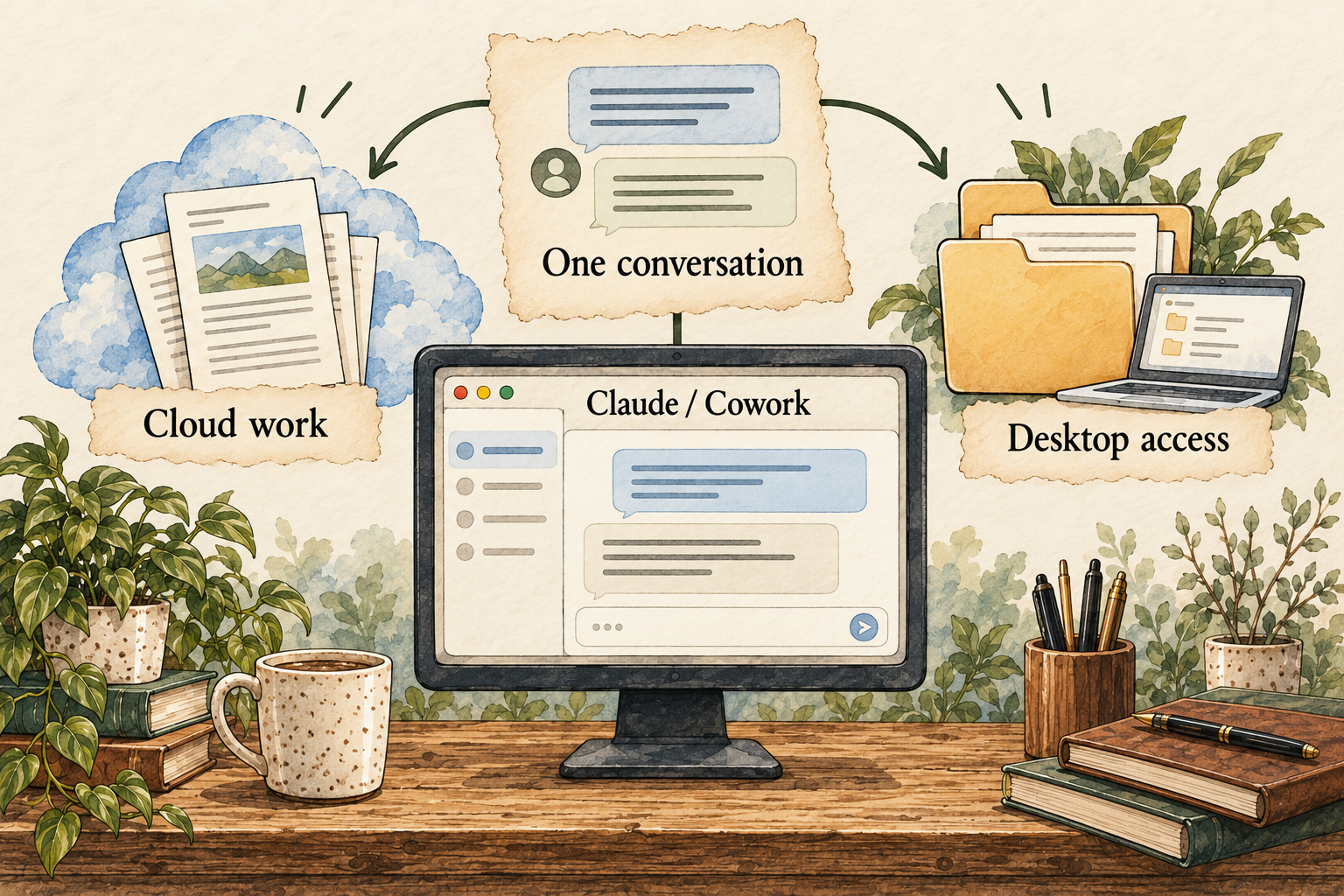
Image description
- The merged experience can choose tools within a conversation.
- Cloud tasks and desktop access have different requirements.
- Review the finished editable file.
A practical guide to Claude / Cowork
Claude is bringing Cowork-style tasks into the same conversation as ordinary chat. The practical question is no longer simply which mode to select: it is which tools, files and permissions a particular job needs. This guide explains the transition, gives a small spreadsheet exercise and separates instructions, memory and editable outputs.
Last checked 2026-10-01. Links to the original documentation appear throughout this guide.
An agent solution for a defined piece of work
We group Claude Cowork with other agent work tools because the starting point is a task you want completed and reviewed. The distinction is editorial, not a claim that Cowork lacks agent capabilities. Anthropic describes chat and Cowork as one Claude experience; task access, connected sources and the execution environment still matter.
Claude Cowork and chat are one Claude
Begin with an inspectable artifact: a source-backed brief, a reorganized set of example files or a spreadsheet. Provide the inputs and explain where it must stop. A long-running task does not by itself mean you have created a standing personal assistant with unrestricted authority.
Cowork is changing: check the interface you have
The merged experience is rolling out first to Pro and Max. Some accounts still show separate Chat and Cowork choices.
Claude Cowork and chat are one Claude
A screenshot from an older guide may not match your account. Use the controls actually present rather than assuming a missing label means the capability is unavailable. When asking for support, note the plan, app version and whether the merged experience has arrived. The existing article route keeps the Cowork name so earlier links remain useful during this transition.
The useful continuity is the kind of work you can request: an outcome assembled from sources, with a file you can edit. Treat the conversation as a brief to a helper. Name the audience, format and inputs. A beginner does not need to specify every internal tool before asking for a small public-source comparison.
Cloud tasks and computer access are different
Cloud tasks can continue after you leave; tasks using your computer need Claude Desktop open. Desktop folder and computer access require permission.
Claude Cowork and chat are one Claude
A public-source report and a folder-organizing task should not receive the same access automatically. For a report, supplied links may be enough. For local files, create a disposable folder with copies of the exact inputs. Do not begin with your entire Downloads folder just because organizing it sounds convenient.
Ask where the output will be saved and what originals might change. For a spreadsheet, you want the editable file, not just an image of a table. For a file-cleanup job, you need a list of proposed changes before an irreversible step. Keep the first exercise small enough that you can inspect every changed object.
Manual and Auto change the review burden
Manual is the merged experience’s default permission setting; Auto continues with automated checks. The setting applies to the conversation.
Claude Cowork and chat are one Claude
Anthropic describes filesystem and network containment, but boundaries vary by product and tool.
How we contain Claude across products
For your first task, favor visible decisions you can review. Automatic checks do not replace your understanding of the target and effect. A permission to work on a draft is different from permission to share it externally. If the task changes from producing a spreadsheet to sending it, review that new purpose and destination explicitly.
Containment is useful when it limits access, but it is not a proof that every action is harmless. Browser sessions, connected apps and the terminal can have different scopes. Read the permissions of the tool that will actually do the work, especially for deletion or communication. Keep a recoverable copy of important inputs outside the trial folder.
A first spreadsheet with numbers you can check
Choose a small public event plan with five cost items. Supply the quantities and prices you want compared, or point to public sources. Ask Claude for an editable spreadsheet with columns for item, quantity, unit price, source link and subtotal, plus a total. Request visible unknowns where the source does not supply a number. This is a proposed task, not a product test we performed.
Check one multiplication and the total yourself. Then change one quantity and see whether the formula updates rather than leaving a hard-coded total. Check whether currencies, tax and delivery assumptions are consistent. A polished worksheet can still combine incompatible figures, so make assumptions visible next to the relevant cells.
Ask for one revision: separate confirmed prices from estimates and add the source check date. Open the revised file in the app you intend to use. If the file format or formula behavior does not survive that handoff, it has not met the brief yet. This gives you a practical quality threshold before moving on to private budgets or larger projects.
Keep preferences separate from project facts
Account instructions express general preferences; project instructions apply to related work. Skills describe repeatable behavior.
Claude personalization features
Use an account instruction for a stable presentation preference, such as plain language. Use the project for the event’s actual source files and required columns. A reusable spreadsheet method might belong in a skill later, but the first trial does not need a custom plugin bundle. Start with a clear request and improve it from observed results.
If a price or deadline changes, update the source rather than relying only on a preference note or an old conversation. Remembered context can help continuity but can also carry an obsolete assumption forward. Ask the agent to show which source supports a changed number. A saved file, a conversation and a remembered detail require separate cleanup decisions.
Judge the file, not the confidence of the reply
Claude is worth considering when you want editable materials prepared from a set of inputs: a brief, spreadsheet or presentation. It may save less work when the inputs are too vague or the result cannot be checked. For a beginner, the spreadsheet exercise reveals whether the agent can preserve sources and formulas while following a small brief.
For work with real consequences, inspect the result and keep the task’s scope narrow. Do not interpret a new interface as permission to delegate account changes broadly. If you need exact deletion timing, granular memory controls or an assured recovery path, get the current documentation for the account and feature before relying on it.
Answers to all 12 questions
Each answer explains what the official sources say and what that means in practice. “Evidence gap” means a detail we could not confirm; it does not automatically mean a feature is missing.
- Can I use it on my device and plan?
- What can it help me do?
- When does it ask my permission?
- How do I stop it or recover from a mistake?
- What does it remember?
- Can I change or delete its memory?
- Which apps can I connect?
- Where does my information go?
- Where does the agent run?
- What privacy controls do I have?
- What will it cost?
- How do I get started and find help?
1. Can I use it on my device and plan?
Check whether your Pro or Max account has the merged experience. Web, desktop and mobile do not mean every local capability works everywhere. If Chat and Cowork remain separate, use the current controls while rollout proceeds rather than trying to force a switch.
2. What can it help me do?
Claude can produce editable documents, spreadsheets and presentations, and use connected apps for tasks.
Claude Cowork and chat are one Claude
Define the artifact and what makes it useful. A spreadsheet should include formulas and sources; a presentation should fit its audience and use evidence you can inspect. Request unresolved inputs rather than fabricated details.
3. When does it ask my permission?
Choose Manual or Auto deliberately
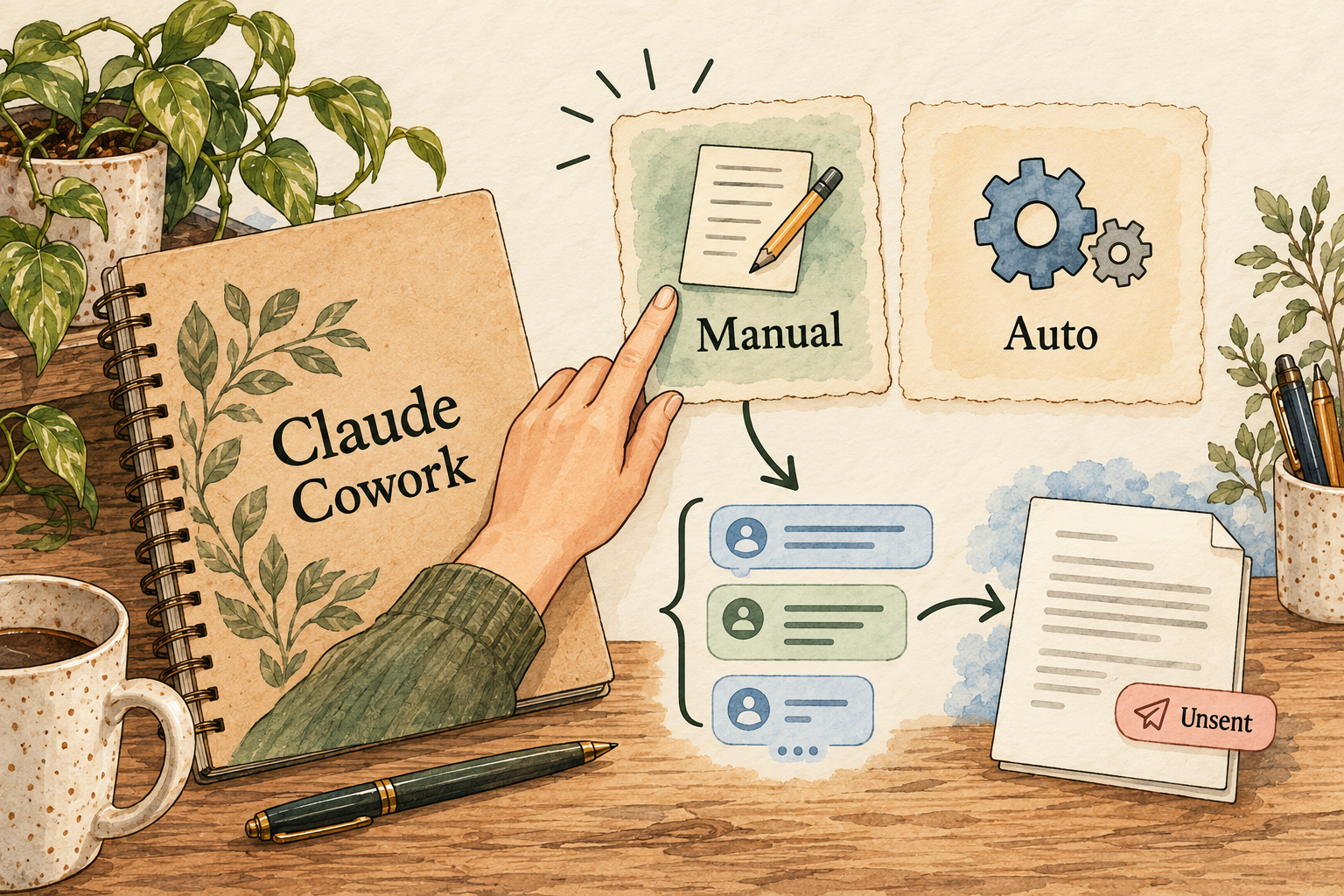
Image description
- Manual is the documented default in the merged experience.
- Auto uses automated checks while continuing work.
- Inspect consequential actions and keep permission scope in mind.
Manual and Auto are conversation-level choices in the merged experience. For consequential work, stay close to the task and inspect the actual proposed action. Do not assume a permission choice also supplies consent to publish or send the finished material.
4. How do I stop it or recover from a mistake?
The merged guide says you can stop or redirect work; by default it asks before permanently deleting files.
Claude Cowork and chat are one Claude
That does not establish universal undo. Keep copies and inspect partial changes before restarting. If the task created or sent something outside the folder, review that destination separately from local file recovery.
5. What does it remember?
Instructions are not the same as remembered context
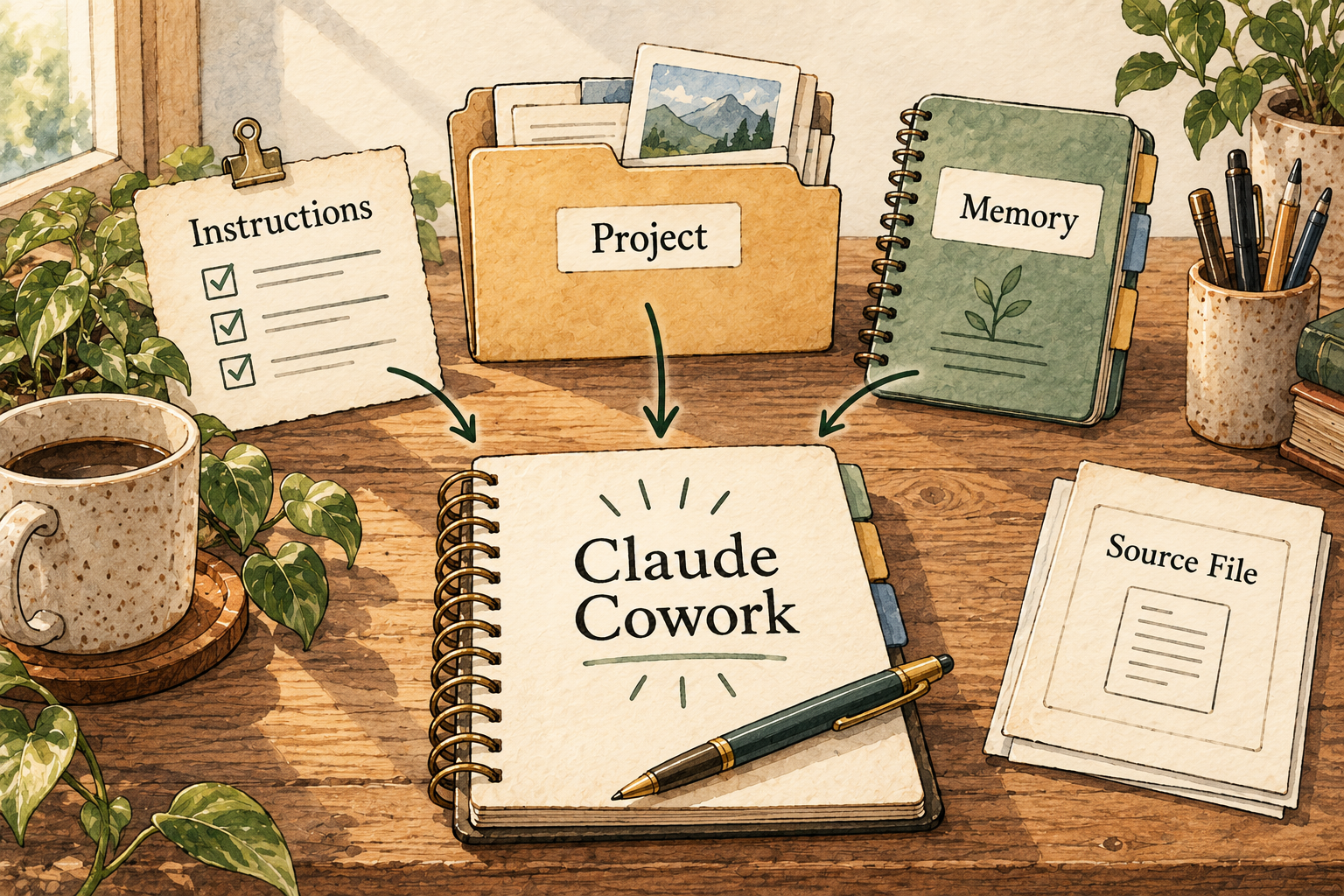
Image description
- Account instructions express general preferences.
- Project instructions apply to related work.
- Remembered chat context still needs correction when facts change.
The merged experience can use remembered chat context. Memory from older local-only Cowork tasks remains with those tasks.
Claude Cowork and chat are one Claude
For the spreadsheet, ask for the current price source every time it matters. A remembered formatting preference is useful; a remembered supplier price can be stale. Do not expect old local-task context to behave identically to new cloud work.
6. Can I change or delete its memory?
What we could not confirm: A complete granular memory review, export and deletion procedure was not established in this source set.
Ask which remembered detail, conversation or project file a control affects. If deletion of one specific item is essential, confirm the current control before using sensitive inputs. Removing a downloaded file does not by itself clear retained task context.
7. Which apps can I connect?
The merged guide names connected Google Drive, Gmail, Microsoft 365 and Slack, and supports skills and plugins.
Claude Cowork and chat are one Claude
Start with public inputs that do not need those connections. Later, connect only the service needed for the task and review read versus write access. An available connector is not evidence of permission to use workplace data.
8. Where does my information go?
A task can combine cloud work, connected-service data and permitted computer access. Local files do not establish local-only processing. Keep a record of the input folder and output location so you can identify what was read and changed when reviewing the task.
9. Where does the agent run?
Use cloud work for cloud-available inputs and keep Desktop open when a task needs the computer. A long-running job also needs a clear stopping condition. If a local app or browser session is required, check that prerequisite rather than assuming cloud continuation can replace it.
10. What privacy controls do I have?
What we could not confirm: This report does not establish all plan-specific training, retention or deletion settings.
For confidential work, review the policy for your account and organization before supplying data. Containment describes limits on execution; it does not settle every privacy question about storage, connected services or provider processing.
11. What will it cost?
The Pro help article documents a US$20 base monthly subscription, with regional pricing and billing qualifications.
Check the current checkout and usage allowance. Longer tasks can consume more of the plan than short chats. Do not compare agents on base monthly price alone when the number of useful completed tasks varies.
12. How do I get started and find help?
Use a small public-data spreadsheet as the first task. Give the inputs, output format and checks, then inspect the editable result. Consult the official merged-experience guide for your interface; no installation time or support-response guarantee was measured here.
Things to check
- Exact memory deletion and account-specific privacy controls need further evidence.
- Tool-specific recovery and containment must be checked for the chosen task.
- Owner interviews, actual Deep Research and exact-revision approval remain separate checkpoints.
Try it yourself
These are suggested tasks to try, not tests we’ve run. Compare each result with the original information before relying on it.
- Try the five-item public-data spreadsheet using disposable inputs.
- Check one formula, the total and source dates; then change a quantity.
- Review conversation permission mode and the actual output before broadening access.
Sources reviewed
- Claude Cowork and chat are one Claude · checked 2026-09-30
- What is the Pro plan? · checked 2026-09-30
- How we contain Claude across products · checked 2026-09-30
- Claude personalization features · checked 2026-09-30
Research describes documentation available on the check date. Features, prices and access can change. No test result or personal endorsement is implied.