
Find your fit
Agent Directory
Find a good fit for the work you want help with. Compare where each agent runs, what it costs, and how much control you keep.
Browse the profiles
Start with one useful job
You don’t need to learn everything first.
An agent is software that can work on a task and use tools. You decide what it may access and review important results.
- Pick a small task.A source summary or a draft is easier to check than an open-ended assignment.
- Check the practical fit.Look at the device, plan, setup and permissions before connecting accounts.
- Read the full profile.Try its suggested first task, then compare the output with the original information.
All options, in one list
Alphabetical for easy browsing, not a ranking. The cards below give more detail.
- Agent work tool
ChatGPT Work
An agent workspace for research and finished documents, spreadsheets and presentations.
- Agent work tool
Claude / Cowork
Claude’s multi-step task capabilities are being brought into the same conversations as chat.
- Personal agent
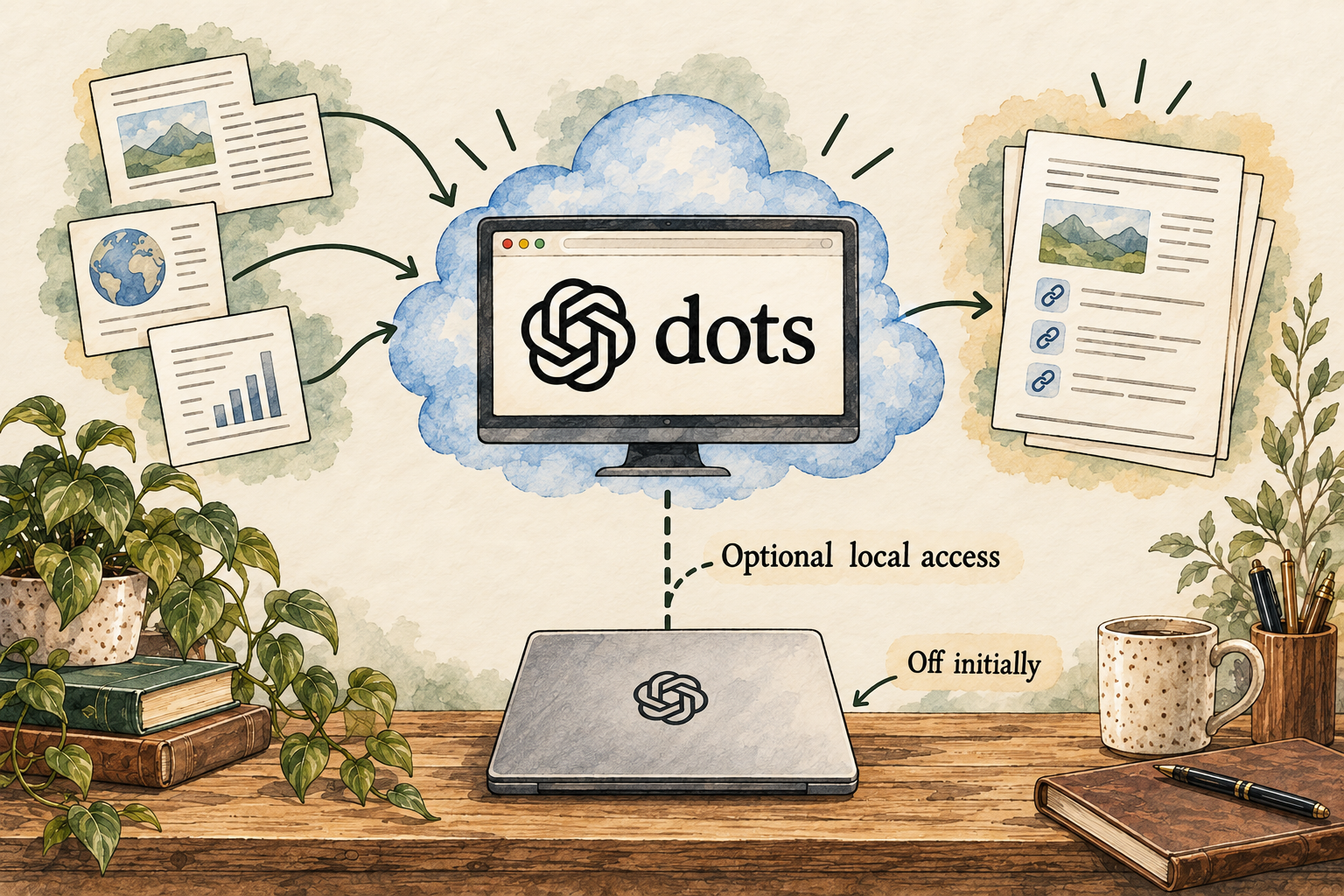
dots
An always-on personal agent with its own cloud computer and context that carries between tasks.
- Personal agent
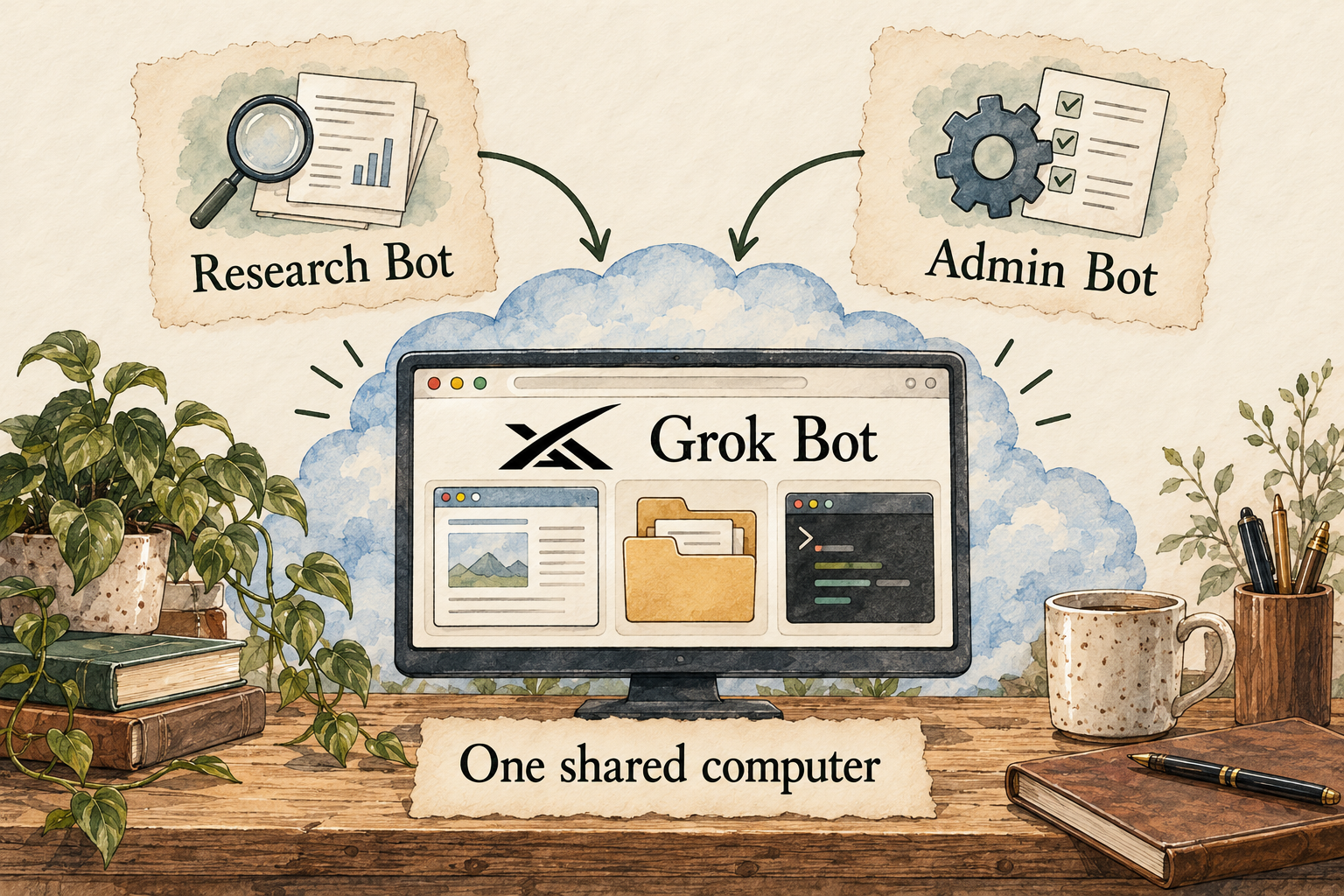
Grok Bot
Named personal agents that work on a shared cloud computer and keep context between tasks.
- Personal agent
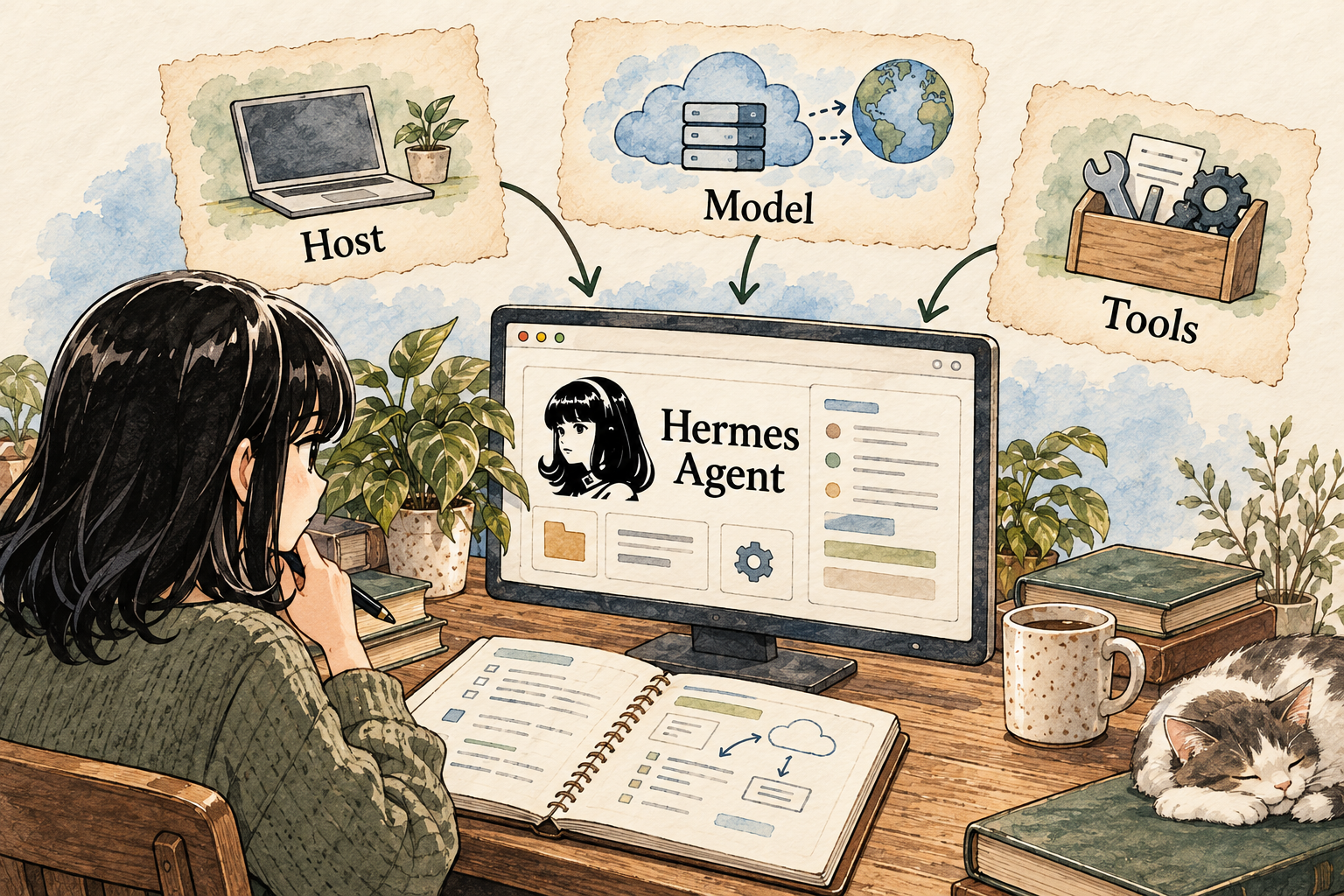
Hermes Agent
A self-managed personal agent with persistent memory, skills and messaging gateways.
- Personal agent
heyclicky
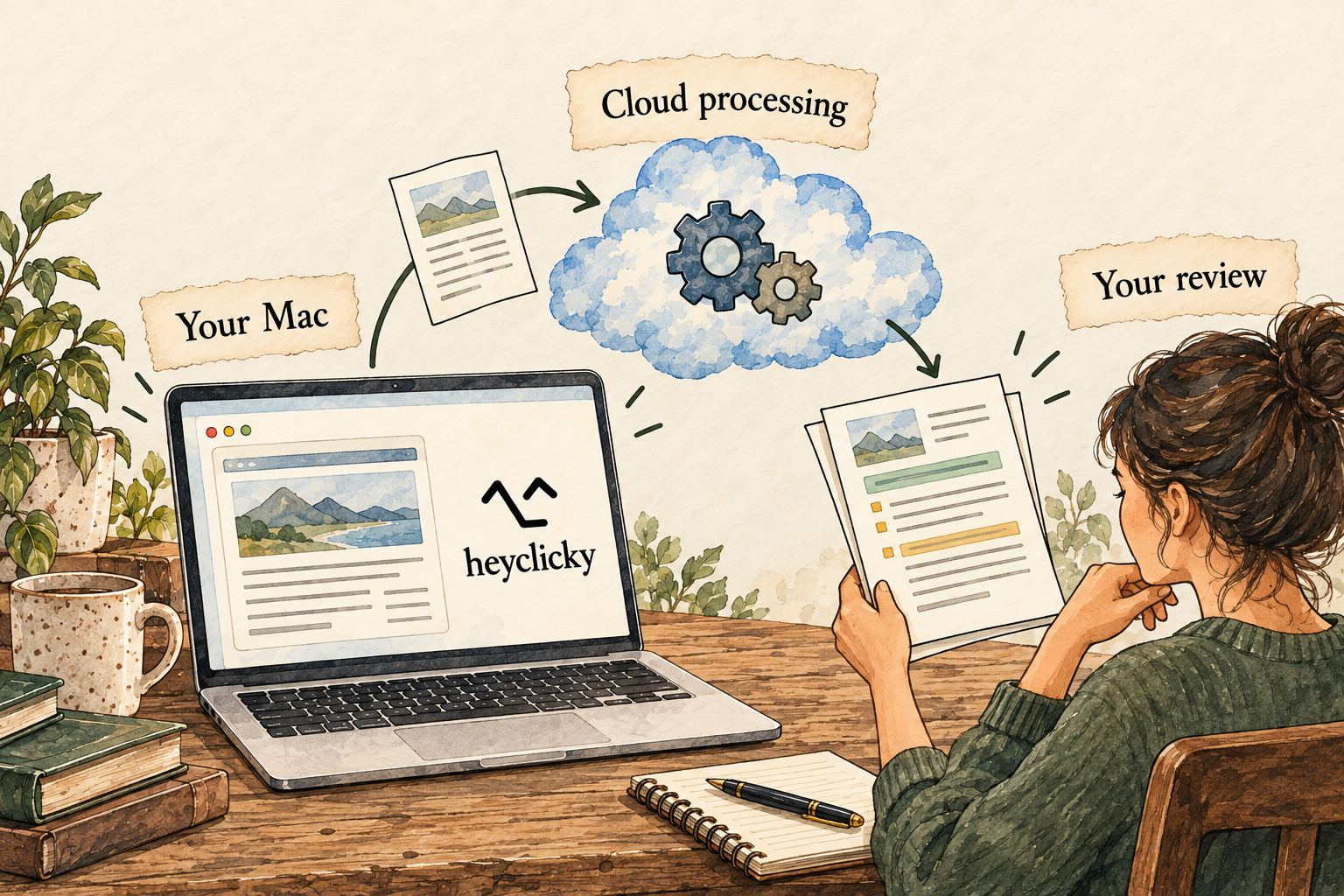
A Mac assistant with screen-aware help and named Clickys for recurring tasks.
- Personal agent
Instinct
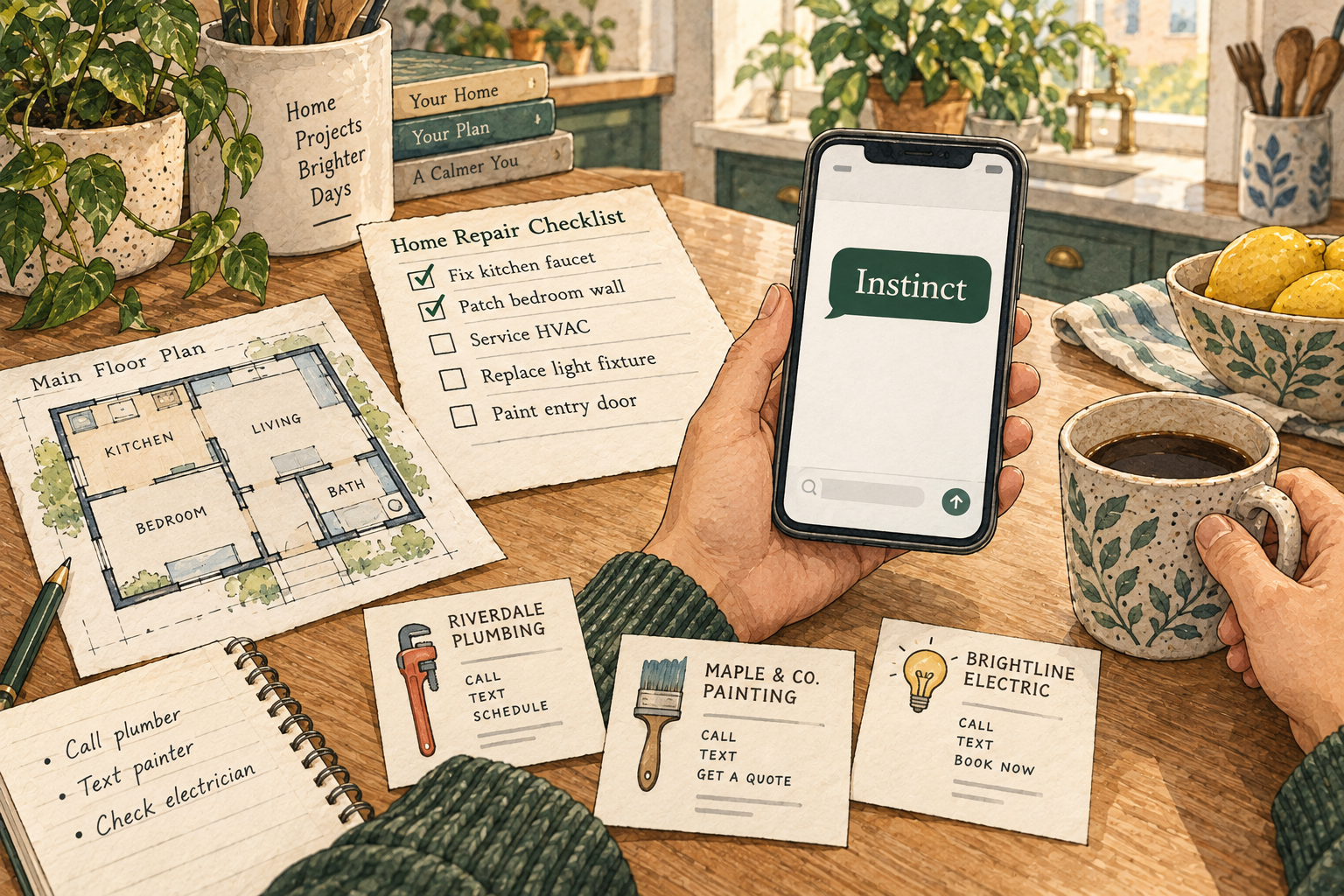
A text-and-call personal assistant for everyday coordination and follow-through.
- Personal agent
Manus
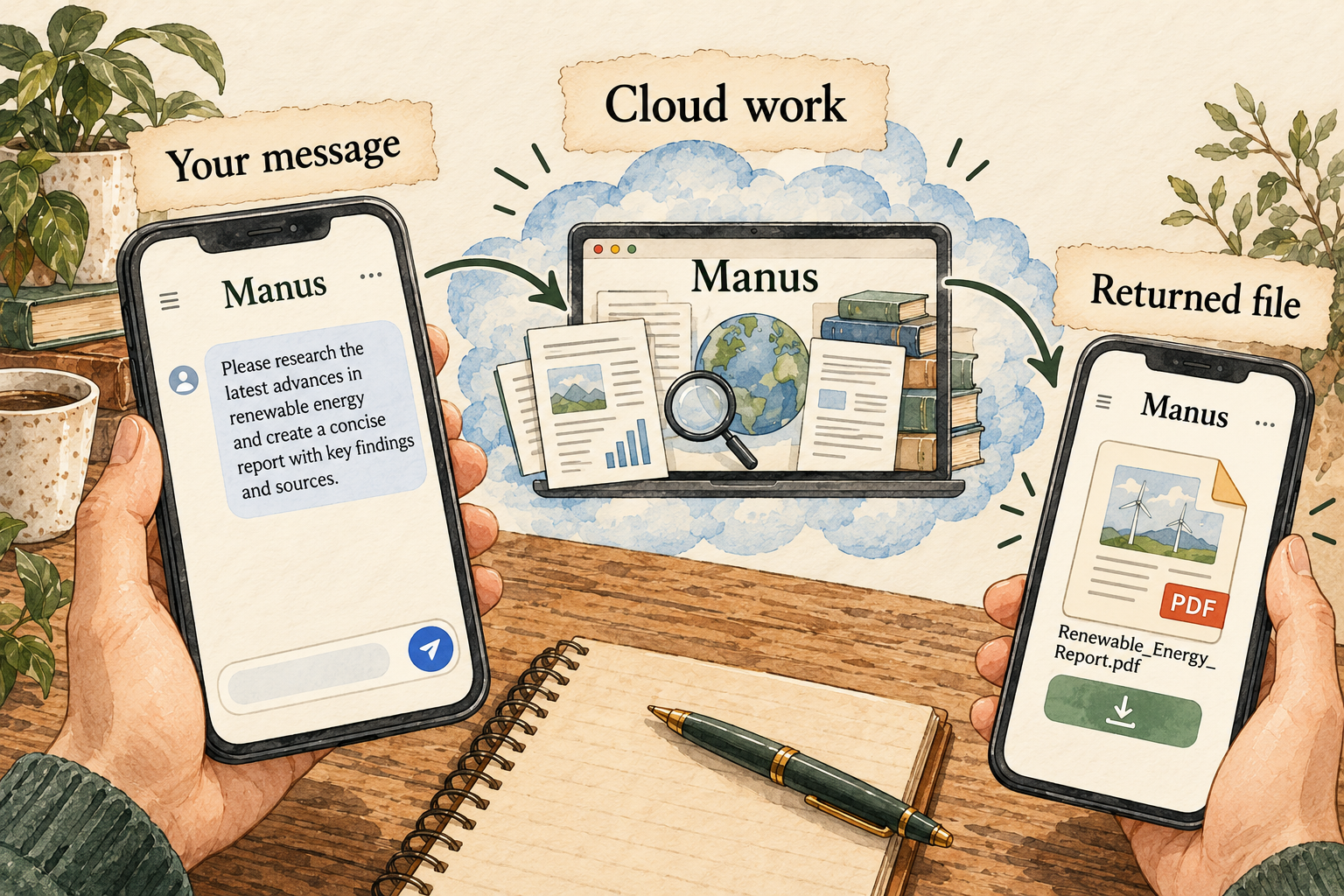
A managed multi-step agent with web tools and a Telegram entry point.
- Personal agent
Muse
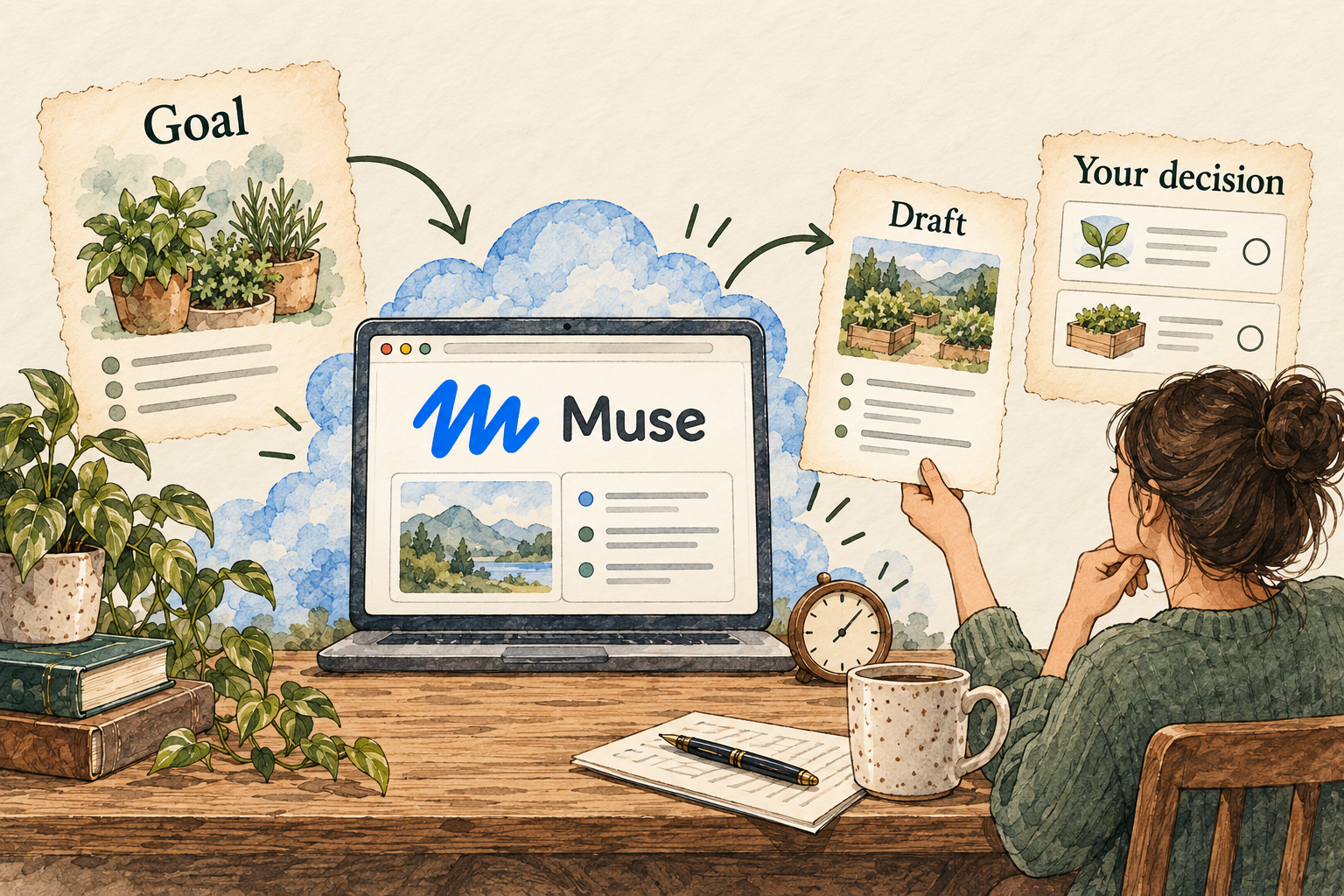
A personal agent with a dedicated cloud computer that can keep working in the background.
- Personal agent
Perplexity Computer
A managed agent workspace for research, browsing, connected tools and recurring workflows.
Personal agents to explore
Each profile answers 12 practical questions and links to its sources. Start with the approach that fits you.
OpenAI
dots
Give your dot an ongoing responsibility inside ChatGPT, with updates and scheduled work.
Where it works
A computer online; your own computer is optional- Starting price
- ChatGPT Pro 100: US$100/month; confirm dot eligibility and allowance
- Getting started
- Check your plan and region. Create your dot on desktop, then choose connected apps.
- Your control
- Choose when it asks permission. Pause stops ongoing work.
Know this first: Disconnecting an app does not delete information already remembered. Reset has broader effects than Pause.
Explore dots: costs, setup and 12 answers →
xAI
Grok Bot
Give a named Bot an ongoing job, such as gathering information and preparing a weekly update.
Where it works
A computer online, provided by the service- Starting price
- Cursor Pro: US$20/month before taxes; usage limits apply
- Getting started
- Install the app and connect the accounts you choose. Check that your plan includes access.
- Your control
- Set actions to ask first. Your Bots share files and signed-in accounts.
Know this first: A separate Bot name does not mean a separate set of files or logins.
Explore Grok Bot: costs, setup and 12 answers →
Nous Research
Hermes Agent
Run an agent you manage yourself, choosing the model, tools and place it runs.
Where it works
Your computer or a server you manage- Starting price
- Software licence: US$0; model/hosting/hardware costs vary
- Getting started
- More technical choices: model provider, credentials, tools and a safe place to run them. Get help if these are unfamiliar.
- Your control
- You manage access and recovery. A warning before a risky command is not complete protection.
Know this first: Free software does not mean free operation. Model services, hosting and hardware can cost money.
Explore Hermes Agent: costs, setup and 12 answers →
Humansongs, Inc.
heyclicky
Get help with what is on your Mac screen, and give named Clickys recurring tasks.
Where it works
Your Mac, with processing sent to online services- Starting price
- Pro: US$20/month; agent allowance applies
- Getting started
- Requires macOS 14.2 or newer. Install the app and choose what access to allow.
- Your control
- Review requests to control the Mac. That permission applies to a conversation.
Know this first: Being a Mac app does not mean your information stays on the Mac.
Explore heyclicky: costs, setup and 12 answers →Instinct
Instinct
Text or call a personal assistant to help coordinate everyday tasks and follow-ups.
Where it works
Connected services and devices; confirm the access it needs- Starting price
- Current price and usage allowance not publicly confirmed
- Getting started
- Start through the official website and confirm availability, price and controls.
- Your control
- Confirm action and stop controls before allowing bookings or commitments.
Know this first: Disconnecting a service does not necessarily delete indexed information.
Explore Instinct: costs, setup and 12 answers →Manus
Manus
Start a multi-step research or document task from a supported chat entry point and review the returned file.
Where it works
Managed cloud task workspaces- Starting price
- US$20/month base plan; limits apply
- Getting started
- Check the current Agents connection in your workspace. Begin with one public document and no private integrations.
- Your control
- Keep the first request at the draft stage; the reviewed sources do not establish universal per-action approval.
Know this first: A direct Telegram chat has a limited access scope, but task processing is still online.
Explore Manus: costs, setup and 12 answers →
Meta
Muse
Give Muse a goal and let it organize connected information, track progress and bring decisions back to you.
Where it works
Its own computer online- Starting price
- Free tier: US$0; paid-plan prices not verified
- Getting started
- Check US availability, create your account and choose which apps it may access.
- Your control
- Review its activity and permission requests before expanding access.
Know this first: The report identifies conflicting privacy disclosures. Read that section before connecting sensitive information.
Explore Muse: costs, setup and 12 answers →Perplexity
Perplexity Computer
Turn several sources into a comparison or report; use the separate Mac-connected variant only when the job needs it.

Where it works
Managed cloud work or Mac-connected Personal Computer- Starting price
- Check current plan and usage costs
- Getting started
- Check plan access and credits. The Mac variant has a separate app, browser and permission setup.
- Your control
- Check the target and effect of actions. A complete approval and recovery matrix was not established.
Know this first: Local folder access does not establish local-only processing. Task credits matter alongside subscription price.
Explore Perplexity Computer: costs, setup and 12 answers →

Illustrations explain the documented approach; they are not product screenshots. Each profile gives its source-check date.
Compare costs and trade-offs
A plan price is a starting point. Usage limits, credits and the tools you connect can change the total.
| Agent | Starting price | What to check |
|---|---|---|
| dots | ChatGPT Pro 100: US$100/month; confirm dot eligibility and allowance | Plan eligibility and retained memory. |
| Grok Bot | Cursor Pro: US$20/month before taxes; usage limits apply | Shared computer and approval rules. |
| Hermes Agent | Software licence: US$0; model/hosting/hardware costs vary | Whole-process isolation and credential setup. |
| heyclicky | Pro: US$20/month; agent allowance applies | Mac requirements and external processing. |
| Instinct | Current price and usage allowance not publicly confirmed | Confirm pricing, supported connections and the stop/approval controls before delegating commitments. |
| Manus | US$20/month base plan; limits apply | Credit limits and current model entitlements. |
| Muse | Free tier: US$0; paid-plan prices not verified | US rollout and current privacy mode. |
| Perplexity Computer | Total monthly cost not established | Included Computer credits and app permissions. |
Cloud agents run online; self-managed agents run where you install them. Neither location alone tells you how private or reliable an agent is.
More agent solutions to explore
ChatGPT Work and Claude Cowork can carry out multi-step tasks. We group them separately because task-based work is a different starting point from a named, continuing personal agent.
How ChatGPT Work can do agent work
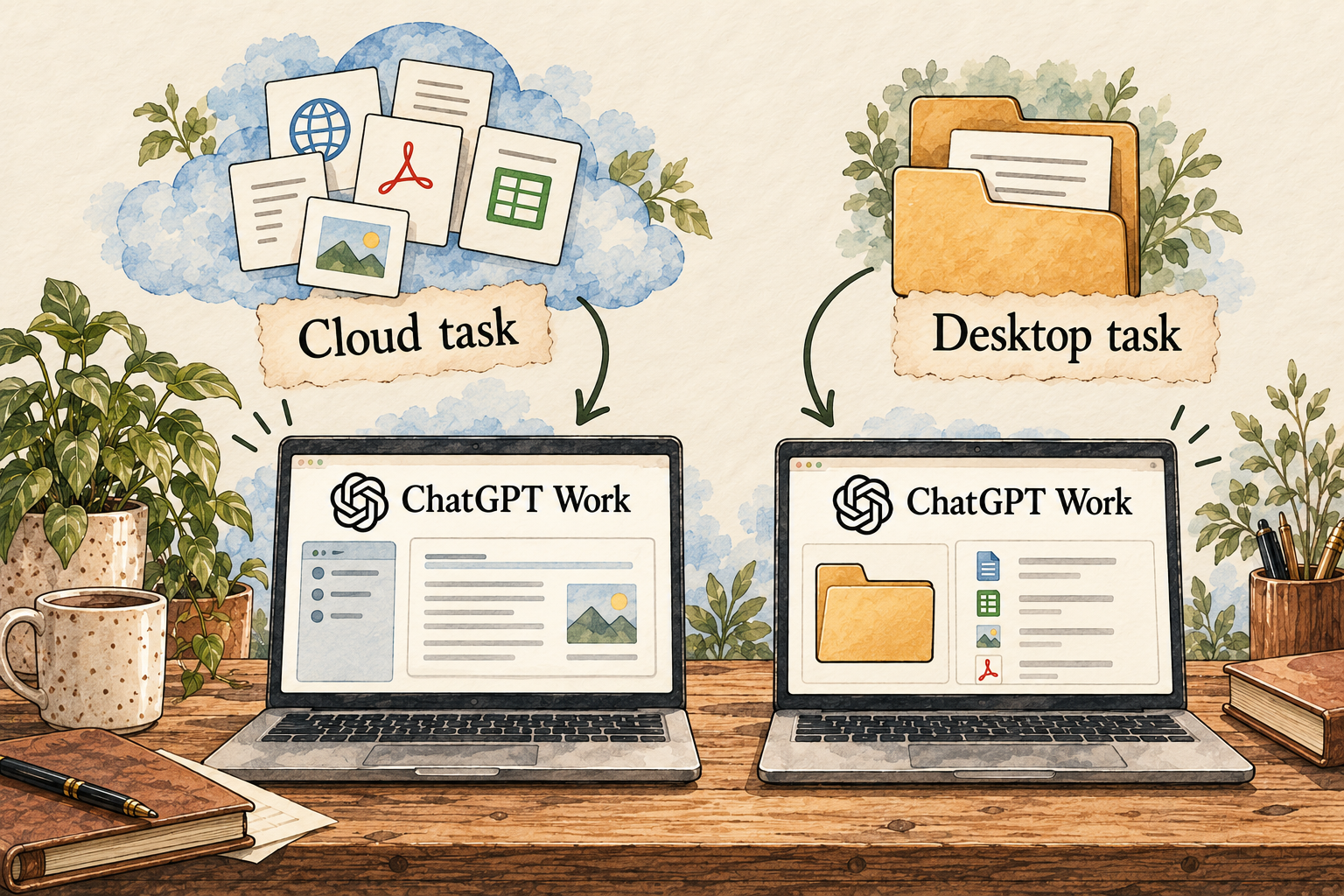
Choose Work rather than Chat, supply the files or connected sources, and ask for a finished document, spreadsheet or report. Work can use tools to complete the steps, return a result for review, and revise it in the same task. Eligible scheduled tasks can repeat or monitor a change. An ongoing named dot is a separate product choice; a normal chat reply is not the same as assigning Work a task.
See access, permissions and a first Work task · Explore Claude Cowork
OpenAI
ChatGPT Work
Ask ChatGPT to prepare a finished brief, document or spreadsheet from a clear set of inputs.
Where it works
Cloud tasks or permitted desktop work- Starting price
- US$20/month base plan; limits apply
- Getting started
- Check Work access in your plan and workspace. Choose where the task runs before granting files or apps.
- Your control
- Review important actions, connected-app permissions and the actual deliverable.
Know this first: Desktop access does not mean task context stays entirely on the device.
Explore ChatGPT Work: costs, setup and 12 answers →Anthropic
Claude / Cowork
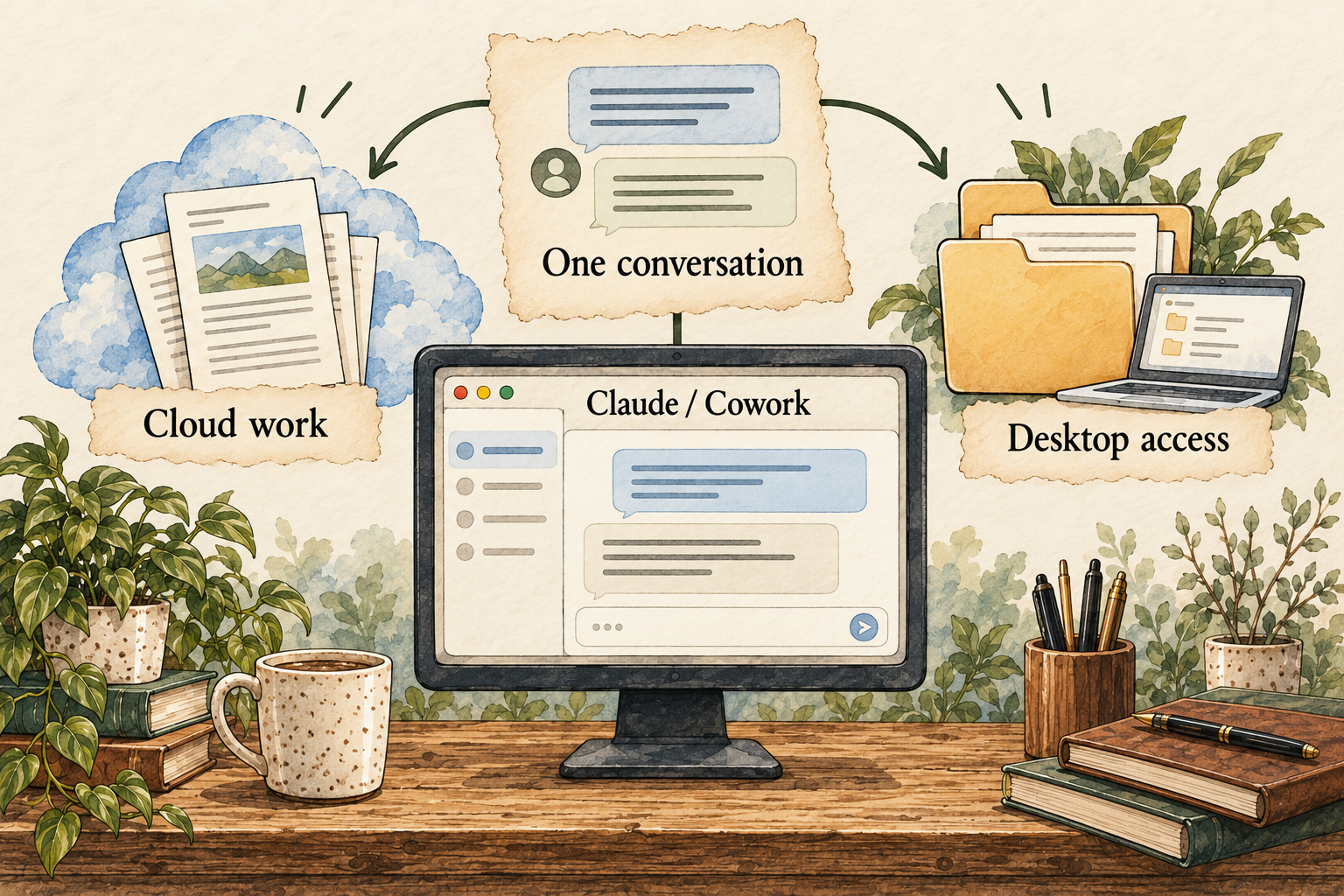
Ask Claude for an editable file in the same conversation as ordinary chat, as the merged experience rolls out.
Where it works
Cloud work and permitted desktop access- Starting price
- US$20/month base plan; limits apply
- Getting started
- Check the interface in your Pro or Max account. Use disposable source files for a first task.
- Your control
- The merged experience defaults to Manual; Auto changes how independently the conversation works.
Know this first: Cloud work can continue independently; local tasks need Desktop open. Granular memory controls need confirmation.
Explore Claude / Cowork: costs, setup and 12 answers →
Make your first task useful
See a real owner’s routine, or compare two approaches before choosing your own.
Comparison
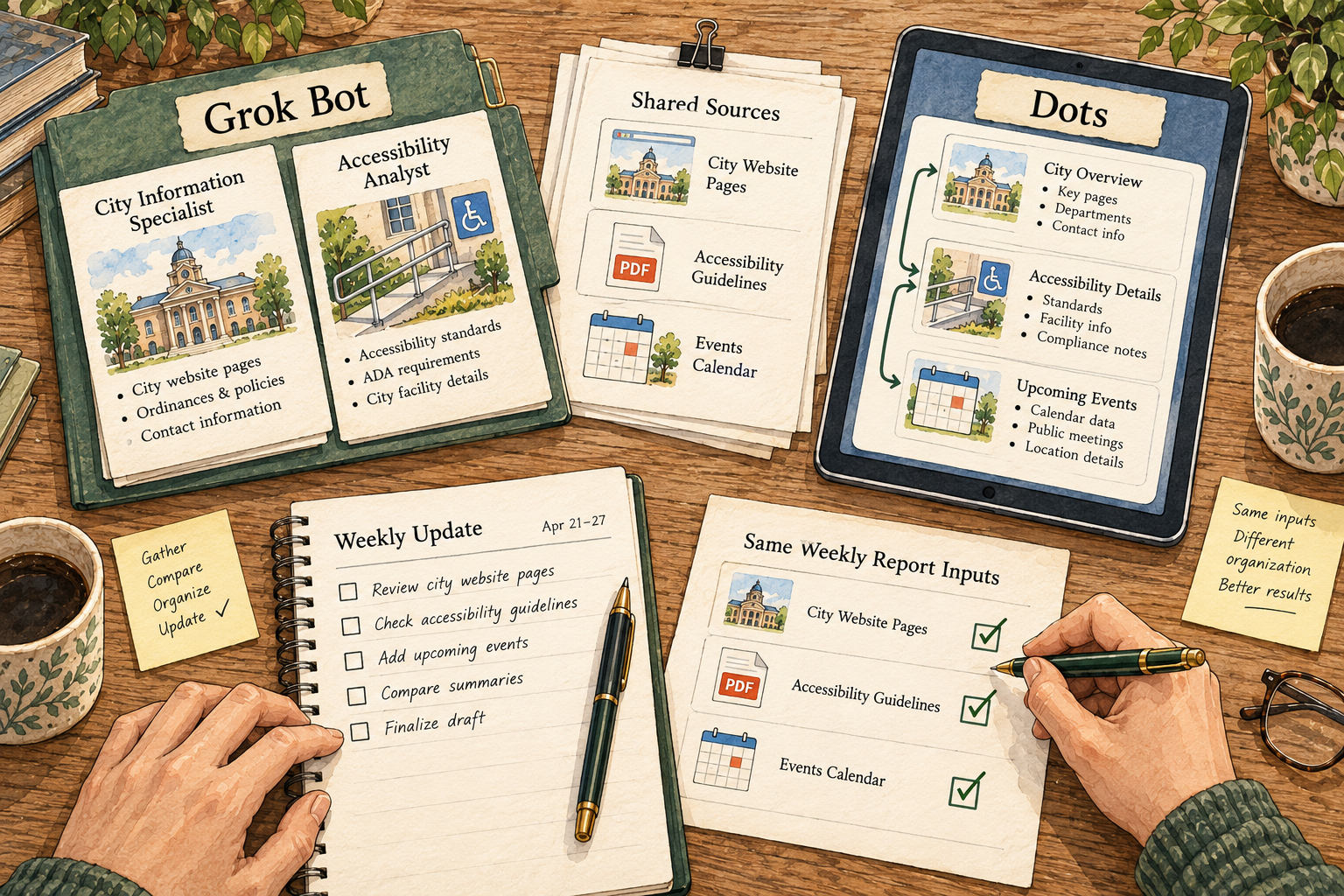
Grok Bot vs. Dots: how do you want ongoing work organized?
Compare named Bots, a continuing dot, shared connections, review controls and subscription access.
Read more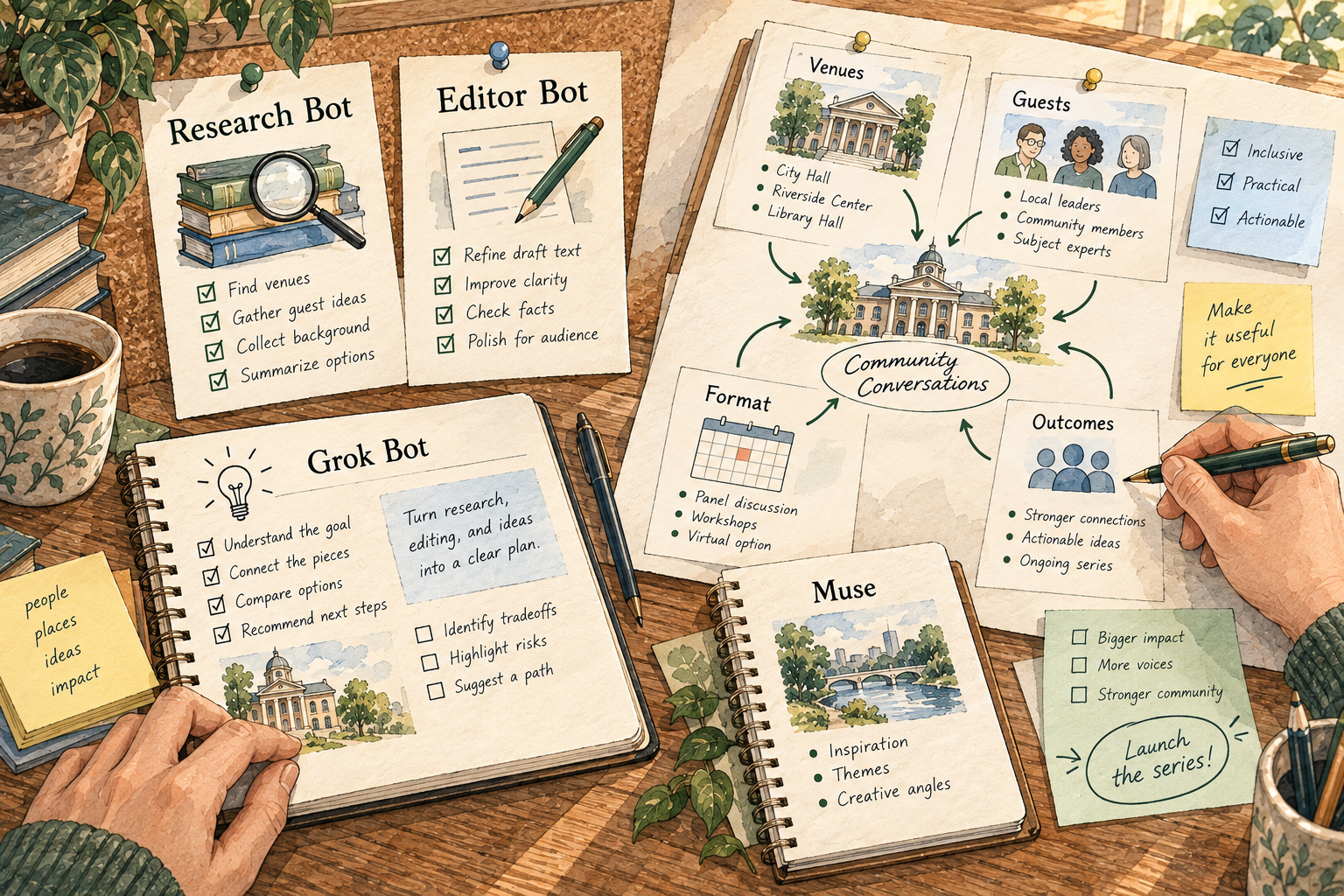
Comparison
Grok Bot vs. Muse: named teammates or a continuing personal goal?
Understand roles, shared access, recurring tasks and the practical difference between managing Bots and working with Muse.
Read moreComparison
Hermes vs. OpenClaw: memory, recurring work and the setup you own
My Hermes co-founder routine, plus a closer comparison of skills, memory, schedules, permissions and migration.
Read more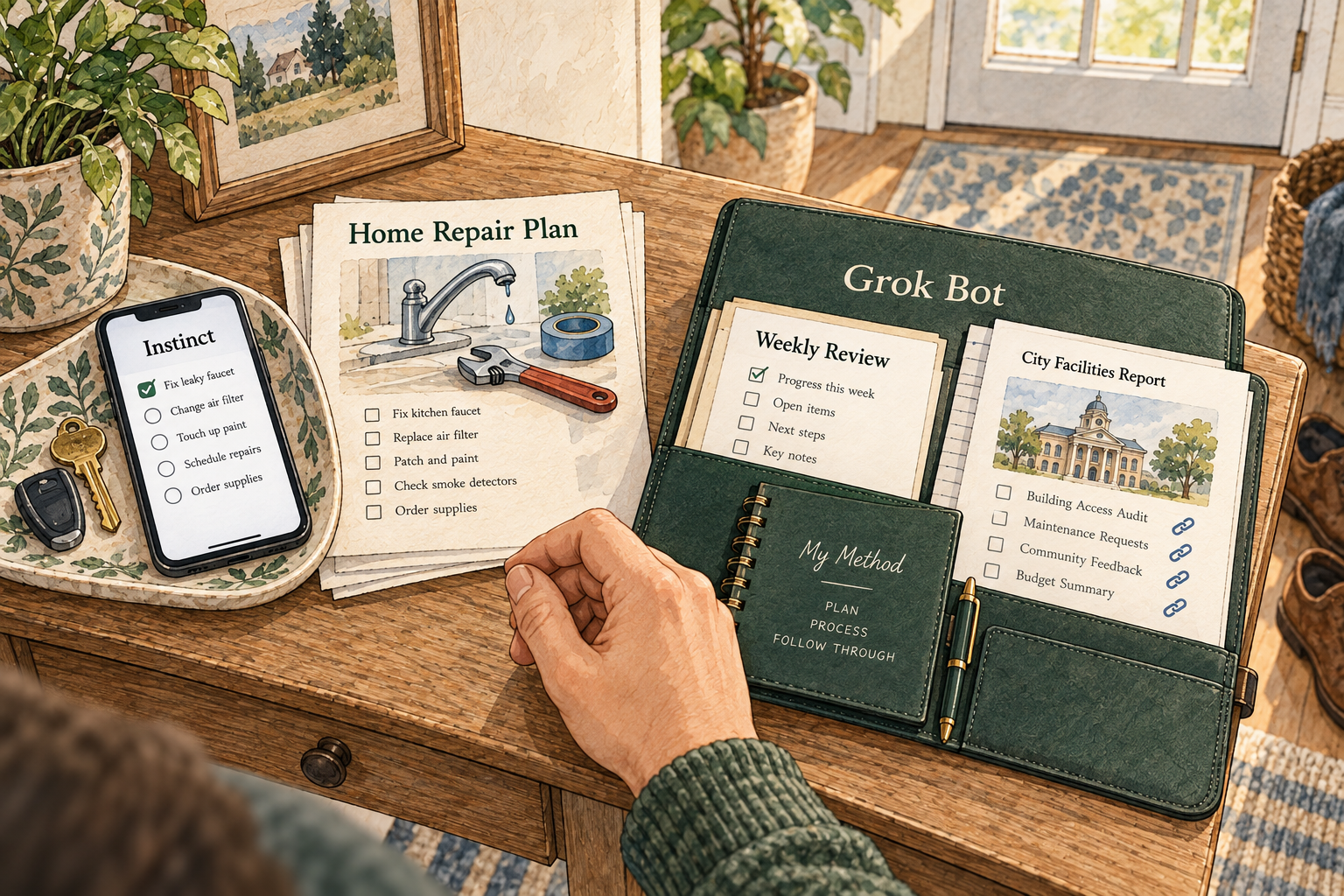
Comparison
Instinct vs. Grok Bot: everyday follow-through or named work roles?
Compare Instinct’s text-and-call approach with Grok’s Bots, including access, data handling and a sensible first task.
Read more
Comparison
Muse vs. Dots: a personal goal or an ongoing work partner?
Compare everyday planning, connected work, memory, approvals and the cost of getting started.
Read more
Practical guide
How my Hermes co-founder gets work done
A shared roadmap, three daily check-ins and five blog posts delivered to Google Docs. Here’s how I use Hermes and where my review comes in.
Read more