Muse and Dots both promise something more useful than another chat window: an agent that keeps working on a goal. The decision is about the kind of help you want and the information you are comfortable putting within reach.
For an everyday goal, such as coordinating a move or keeping a family project on track, Muse is worth a look. For ongoing work across ChatGPT and connected workplace tools, Dots is a natural candidate. Those are starting points for a trial, not limits on what either product can do.
This comparison uses official material checked October 1, 2026. We have not run a matched performance test. Instead of guessing which is “smarter,” we explain the documented differences that change how you would use them.
The differences that matter first
| Your decision | Muse | Dots |
|---|---|---|
| Where you start | Muse app or web; WhatsApp is also described | Create a dot in ChatGPT on desktop, then message from mobile |
| How ongoing work is organized | Goals, a continuing conversation and side chats | A continuing agent that works across ChatGPT and connected channels |
| What to check about access | US rollout and current free/paid limits | Eligible ChatGPT plan, market and workspace settings |
| Editing remembered information | Inspect and edit memory files | Individual dot memories currently cannot be directly viewed or edited |
| Before connecting accounts | Examine app permissions and approval controls | Examine shared plugin permissions and Custom Rules |
The access and memory distinctions are documented in Meta’s launch information, Muse’s design notes and the Dots help material. A familiar chat interface does not tell you what happens behind it.
Personal goals and work responsibilities
Muse’s interface gives a goal somewhere to live. You can discuss a project, review its plan and return to it as circumstances change. Dots gives an ongoing responsibility to an agent within the OpenAI tools you may already use. OpenAI describes a cloud computer and connected apps, with communication through ChatGPT, Slack and Teams. See Introducing dots.
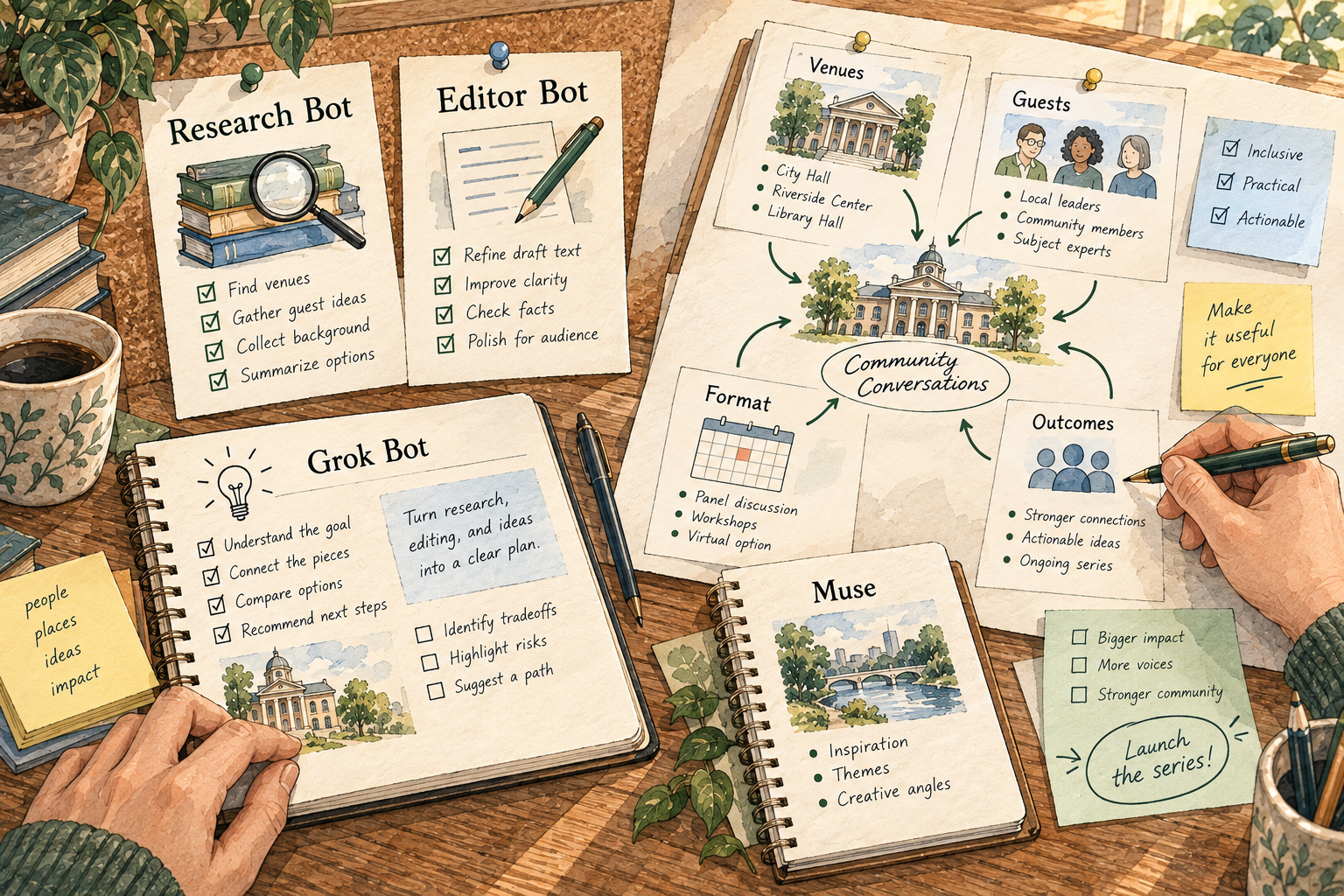
Imagine you are planning a small community event. You need venue options, an invitation draft, a shopping list and a budget. The useful result is an updated plan with outstanding decisions, rather than four disconnected answers. You would want either agent to distinguish a confirmed booking from a possible venue, and an approved expense from an estimate.
Muse’s goal view may help you keep that personal project understandable. Dots may make more sense if the committee’s material already lives in your connected work tools. The point is the source of the work. If you would have to copy every update manually, the attractive agent can still leave you doing most of the coordination.
Neither choice means handing over every account. Supply the event brief first. Add a calendar or document connection only when it solves a specific problem you observed. That gives you a chance to see whether the plan is useful before the agent can change it elsewhere.
“Proactive” does not mean the same thing in every situation
There are two different jobs here: noticing something worth your attention, and doing something you authorized. Treat them separately.
Dots’ proactive research uses permitted connected sources with read-only tools; those research tools cannot send messages, alter app content or operate a browser. An authorized task continuing in the background still follows the ordinary action rules. This distinction is set out in OpenAI’s safety FAQ.
That changes how to read a promise such as “it works while you are away.” It might notice a deadline and prepare a suggestion. That is different from having authority to email the organizer or change the event date. Ask the agent to make the difference visible in its update: what it noticed, what it prepared, what it actually changed and what needs you.
For either product, an effective standing instruction would be: “Track this event against the plan. Tell me when a date, price or decision changes. Do not contact vendors or place orders.” The schedule alone is not the achievement. A useful update should point to the change that made the interruption worthwhile.
Memory: convenience versus inspectability
Remembering that you prefer a quiet venue is useful. Remembering the wrong event date is a problem. The ability to inspect or remove remembered information matters just as much as its ability to persist.
Muse’s design notes describe editable memory files. Dots’ FAQ says you cannot currently directly view, change or delete individual dot memories; deleting the dot clears its context, while separately stored files and ChatGPT memories need their own handling. Disconnecting an app stops new access but does not erase context already received. The two memory experiences are therefore not interchangeable.
If you regularly separate personal and client work, consider whether the memory controls fit that habit. You should be able to explain where the current project brief lives and which remembered preferences may be influencing a result. A confident answer such as “I remember your usual budget” is not enough to approve a purchase.
For changing facts, keep a dated source. Ask for the source version used in the plan. For preferences, give a correction that is easy to recognize: “This event is for families; my usual preference for a late dinner does not apply.” Then inspect the revised plan rather than assuming a conversational correction affected every future task.
Approvals and privacy deserve a separate decision
Muse’s security explanation describes a separate system that checks actions and requests approval where needed, including purchase checks. It also says the current service does not cryptographically prevent Meta from accessing data when necessary to operate it; Confidential VM is a planned capability, not something to assume is available now. See Muse’s security architecture.
For Dots, Custom Rules add allow, ask-first or blocked boundaries on top of built-in requirements. Existing ChatGPT plugin permissions are shared with Dots, ChatGPT Work and Codex. Review those connections before treating the new dot as an empty workspace.
These are different control designs, not evidence of a security winner. Read the actual approval card: recipient, destination, amount and affected file. “Looks good” should mean you reviewed a particular action, not that every later step is approved.
Model training is another choice. Muse provides an opt-out; Dots follows personal-plan data settings, while business workspace content is not used for training by default. Check the setting before supplying private information. Isolation from other customers, protection of passwords and training choices answer different questions.
Compare the cost of the task you need
Meta describes free access for much everyday use, with paid plans for more work. Dots begins with eligible Pro, Business Premium and enabled enterprise access; the first dot is included in applicable plans, while deeper work has an allowance. Tasks delegated to ChatGPT Work or Codex use those services’ limits. Check Dots getting started for current eligibility.
Do not compare a free entry point with a paid plan as if both contain the same amount of work. A short conversation, a browser-heavy project and a recurring document task can have very different usage. Start by listing the jobs you expect each week, then check the allowance for that workload.
If you already pay for an eligible plan, the added cost of a trial may be small. If you would upgrade only to get the agent, the subscription is part of your decision. An impressive first result is not a reason to buy a year before you understand the limits.
A trial that can tell you something useful
Try the event-planning example with fictional names, three public venue pages and the same budget. Ask each agent for a comparison, an invitation draft and a list of questions that prevent a booking. Keep purchases and messages outside the task.
Next, change one condition: the guest count rises, or a venue becomes unavailable. Ask it to update the same plan. Does it carry the change into the budget and invitation? Does it preserve the distinction between a quote and a confirmed price? Can you locate the sources without asking again?
This is a suggested exercise, not a result we measured. Record the corrections and review time. A beautiful plan that requires you to recheck every unsupported detail may be less helpful than a plainer one that keeps its evidence visible.
Which would I try first?
Try Muse first if you want a dedicated personal-goal experience and its availability and data controls suit you. Try Dots first if the work already lives in ChatGPT and supported connected tools, and you want a continuing agent alongside that work.
If direct editing of remembered information is essential, the current Dots limitation deserves weight. If your decision depends on a specific app connection or subscription limit, resolve that before transferring the project. Read the Muse profile and Dots profile for the fuller walkthroughs. Choose by a real job and a review you can understand, rather than by the most ambitious demo.