
Guide · sources checked 2026-09-30
heyclicky
Get help with what is on your Mac screen, and give named Clickys recurring tasks.
Official website · Explore agents

heyclicky at a glance
heyclicky identity mark · official source · checked September 30, 2026
Illustrated explanations by PersonalAgents, based on the linked documentation.
On your Mac, with cloud processing
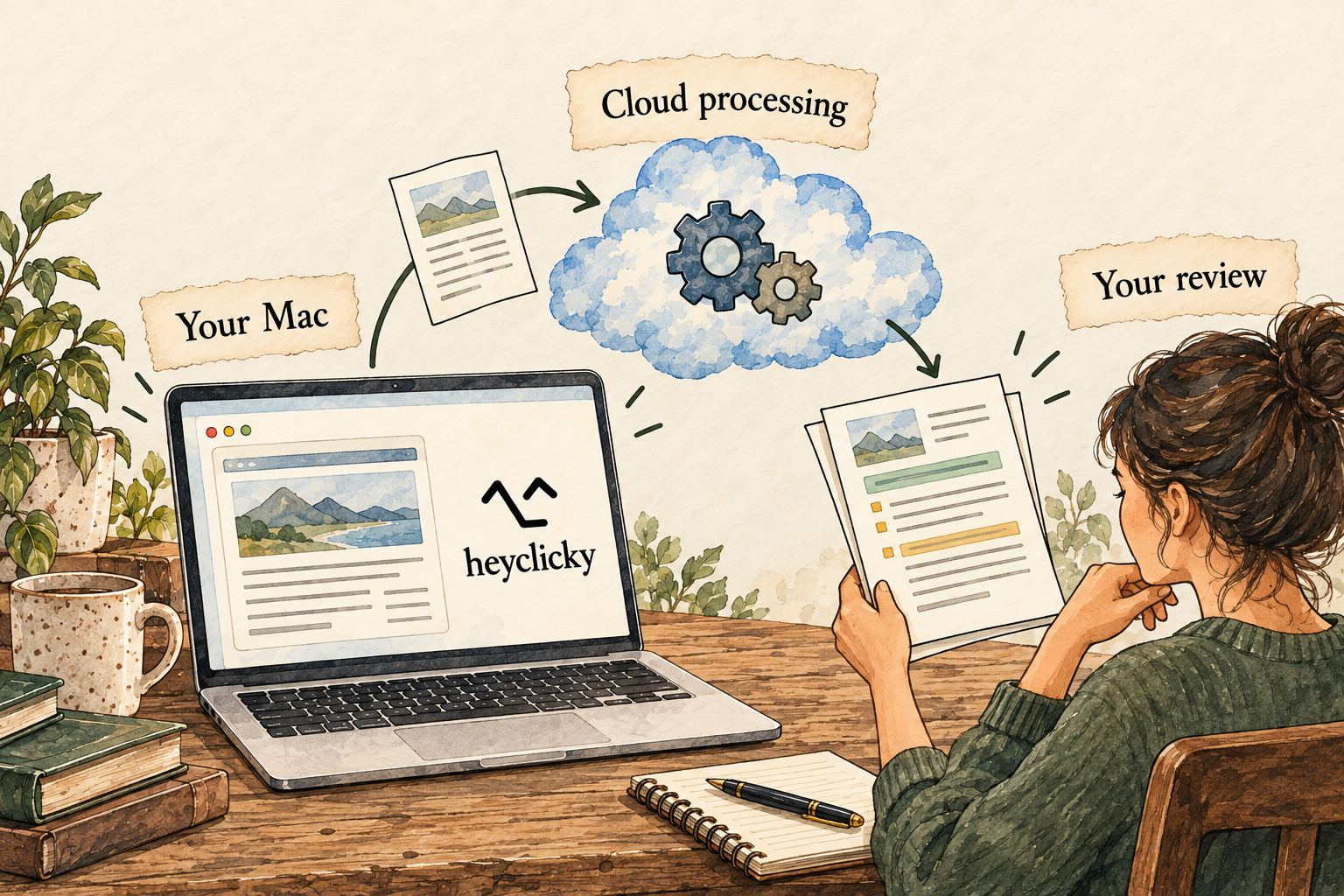
Image description
- Open heyclicky on your Mac and provide the context it needs.
- Processing uses online providers rather than staying entirely on the Mac.
- Review its explanation or work before relying on it.
Your control point: The app runs on your Mac, but processing uses cloud providers. Computer-control consent currently applies to a conversation.
Identity marks and vendor images belong to their respective owners. Images load from the linked official publishers and may change or become unavailable.
A practical guide to heyclicky
Heyclicky starts with the work visible on your Mac, then adds named agents called Clickys for tasks you want to revisit. That makes it worth considering when your main problem is getting help inside an existing app. The important distinction is between screen guidance and an agent actually operating software. They require different levels of review, and both depend on cloud processing according to the vendor’s current trust page.
Last checked 2026-09-30. Links to the original documentation appear throughout this guide.
From asking about the screen to assigning a job
The FAQ describes hotkey-triggered screen-aware conversation, visual guidance and an agent mode for doing tasks.
A useful beginner evaluation starts with explanation: show a non-sensitive interface and ask what a control does. Check the answer against the app’s own help. Only after that should you trial a disposable task where the agent changes something. The point is to learn what context it sees before authorizing a meaningful effect.
Use current release notes, not an old feature list
September releases introduce named Clickys, pause Skills for now, and scope Mac-use permission to the current conversation.
Those changes make the installed version part of the evaluation. A tutorial describing the old skill library or broad approval behavior may no longer match the product. Record the version before testing and inspect the actual prompt instead of assuming every named Clicky inherits the same access.
What leaves your Mac
The trust page says processing is cloud-based, raw screenshots are not retained, and generated screenshot analysis and prompts are kept.
Heyclicky trust and data-processing details
The useful privacy question is not just whether an image file is stored. A text description of that screen can contain the same confidential information. For a first test, close unrelated windows and use sample material. If a task involves private information, consider both the transmission and the retained interpretation of it.
A useful first session: understand a public page
Open a public page with a task you can check yourself, such as instructions for using a local library’s online catalog. Close private windows and remove sensitive material from the visible screen before requesting help. Ask heyclicky to explain the page in plain language and identify the next step you would take. Start with guidance; there is no need to grant computer control merely to evaluate an explanation.
Compare the advice to the page you can see. Does it identify the correct field? Does it distinguish signing in from creating an account? Does it mention any prerequisite the page states? If the explanation is wrong, ask which visible detail it relied on and correct the context. A helpful answer should make the screen easier to use, rather than add a confident instruction unrelated to what is displayed.
If you later try agent work, use a disposable draft and define where the result should go. Ask for a small table or a rewritten note without sending, publishing or changing a signed-in account. Inspect the saved result, not just the conversational claim. This gradual exercise separates three things: understanding the screen, preparing an output and operating the Mac.
Read the permission at the moment the job changes
The decision to let a Clicky explain a screen is different from the decision to let it click and type. Before granting computer-control access, check which conversation it covers and what apps are currently open. Keep the requested job narrow enough to inspect. A general instruction to help with admin work is harder to review than a request to prepare one unsent draft.
For a routine, decide what should happen when the source is missing, a login expires or the result needs a choice from you. A useful failure message should identify the blocked step and any partial output. Before restarting a paused routine, inspect the destination so the retry does not create duplicate files or repeat an outside action. Automatic pausing after failed runs is useful, but it is not evidence that every mistake can be undone.
Treat connected-app suggestions as a separate feature from screen help. If you want only help when you ask, review the suggestion setting and connections rather than assuming the screen hotkey controls every possible source of context. Record the installed version when comparing this article to the app: the release history describes changes in how named Clickys, routines and skills work.
What “not stored” does and does not tell you
A raw screenshot, text extracted from it, a spoken transcript and a generated summary are different pieces of information. A statement about one does not settle the others. Before showing sensitive content, ask which pieces are transmitted, which are retained, which providers receive them and how deletion works. The visible app location on your Mac cannot answer those questions.
A practical screen-help trial can use a public page without exposing unrelated tabs, messages or account details. For a real workplace task, the acceptability of cloud processing depends on your organization’s rules and the exact material involved. A convenient assistant should not quietly become the reason confidential data takes a new path.
Heyclicky is a promising fit for someone who wants an explanation while looking at a Mac app, especially when doing the task themselves is preferable to delegation. If the main requirement is a fully local assistant, the reviewed sources do not establish that option. If precise memory editing or retention timing is essential, ask for the current control before making it central to an ongoing workflow.
Answers to all 12 questions
Each answer explains what the official sources say and what that means in practice. “Evidence gap” means a detail we could not confirm; it does not automatically mean a feature is missing.
- Can I use it on my device and plan?
- What can it help me do?
- When does it ask my permission?
- How do I stop it or recover from a mistake?
- What does it remember?
- Can I change or delete its memory?
- Which apps can I connect?
- Where does my information go?
- Where does the agent run?
- What privacy controls do I have?
- What will it cost?
- How do I get started and find help?
1. Can I use it on my device and plan?
The FAQ requires macOS Sonoma 14.2 or newer; Windows access is a waitlist.
Confirm the downloaded app and your operating-system version rather than expecting browser-only use. Regional and language coverage were not established exhaustively. A Mac-compatible client does not guarantee that every external provider or integration works from the network or region where you plan to use it.
2. What can it help me do?
Heyclicky describes screen explanation, spoken guidance, on-screen drawing and agent task execution.
Decide which of those you need. Guidance can help you do a task yourself; agent execution changes the review burden. A bounded example is preparing a draft table from a public document. Check the output file and its sources before asking it to act in a signed-in personal or business app.
3. When does it ask my permission?
Check computer-control consent

Image description
- Review a request to control your Mac before agreeing.
- The documented consent applies to a conversation.
- Do not assume a separate confirmation exists for every action.
Version 1.0.52 says permission to use the Mac applies to one conversation, not every working Clicky.
Check what the request covers before agreeing. Permission to operate the device should not be interpreted as a reason to allow purchases, sending or deleting without inspecting the result. The research did not establish a universal per-action confirmation matrix, so keep the first test restricted to a harmless draft.
4. How do I stop it or recover from a mistake?
The changelog documents stop/retry controls and automatic pause after three failed routine runs.
If a routine pauses, read its failure reason before resuming. Review the affected app or files for partial work. Automatic retry protection can reduce repeated failed runs, but it does not establish an undo for every outside action. Keep disposable inputs so the first recovery exercise is easy to inspect.
5. What does it remember?
Context and files are different things
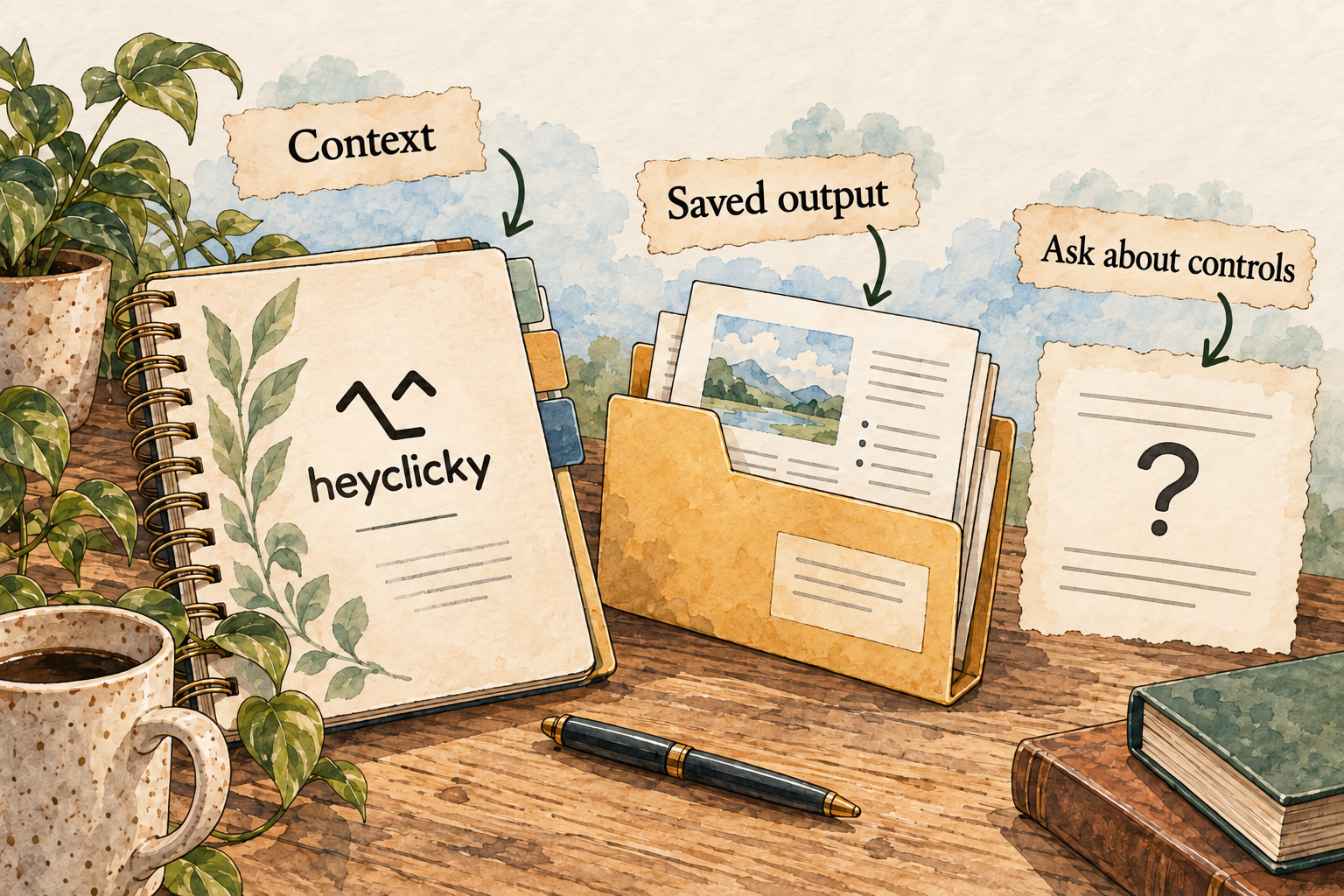
Image description
- Named Clickys can retain conversations, memory and file folders.
- A remembered preference is different from a saved output file.
- Check the installed version and inspect where the result is stored.
Clickys have persistent names, memory, conversations and file folders according to the September release notes.
Evaluate continuity with a harmless output preference and a later task. Ask it to show the result location so you can distinguish remembered context from an existing file. Do not assume the recent-chat window, older memory files and every current Clicky behave identically without checking the installed build.
6. Can I change or delete its memory?
What we could not confirm: The FAQ documents deleting the account and its data. Granular current Clicky-memory inspection, editing and export were not established.
If correcting one detail while retaining the agent matters to you, ask support for the exact current control. Archiving a conversation should not be assumed to delete it. Avoid using an old memory-file description as instructions for a newer interface until its applicability has been confirmed.
7. Which apps can I connect?
The September changelog describes built-in connections and custom remote or local MCP servers.
MCP is a way to expose tools to an agent; it does not tell you whether those tools are trustworthy. Review the service, authentication and read/write scope. The fact that screen guidance needs no app-specific plugin is different from the permission needed for a connected tool to read or change data.
8. Where does my information go?
The trust page explicitly says processing happens in the cloud; no local-only processing mode was established.
Heyclicky trust and data-processing details
A Mac app can feel local while using hosted models. If your requirement is to keep screen contents entirely on-device, this evidence does not support that requirement. Use public sample content and confirm what text analysis remains, rather than judging the data path from the position of the assistant’s icon.
9. Where does the agent run?
The trust page says quitting stops Mac activity. It describes a daily, read-only connected-app suggestion check while the app is open, which can be disabled.
Heyclicky trust and data-processing details
For an ongoing task, clarify which parts require the Mac to remain available. Do not assume a routine continues with the same capabilities after quitting. If suggestions are unwanted, inspect their separate setting instead of thinking that not pressing the screen hotkey prevents all connected-app reading.
10. What privacy controls do I have?
The policy names backend transmission to Anthropic, OpenAI, Deepgram and Cerebras; retention is purpose-based rather than a fixed published duration.
Read this alongside the trust page’s simpler statements. Decide whether those providers and retained analyses suit the intended input. A screenshot-not-stored claim does not establish no transmission, and a no-training statement is still a vendor statement. Precise deletion timing and the full current provider scope remain questions for review.
11. What will it cost?
The FAQ lists Pro at US$20/month and Max at US$100/month, with monthly agent allowances.
The recorded US$20 identifies Pro, not an unlimited task budget. The FAQ and historical changelog describe different billing-period options, so inspect the current checkout before choosing monthly or annual billing. No purchase, cancellation or meter measurement was performed in this investigation.
12. How do I get started and find help?
The product entry point provides the Mac download; its FAQ supplies support contact and basic hotkey setup guidance.
Use the official download and give only the operating-system permissions needed for the chosen test. Keep typed interaction as an option if you do not want microphone access. Record the app version and exact failure if setup breaks; no installation time or support-response guarantee has been measured.
Things to check
- Current granular Clicky-memory editing/export and complete per-action approval rules remain unverified.
- FAQ/trust/policy wording and historical billing options need current account-level reconciliation.
- No Mac installation, task reliability, recovery or allowance measurement was performed.
Try it yourself
These are suggested tasks to try, not tests we’ve run. Compare each result with the original information before relying on it.
- explain a non-sensitive screen and verify the explanation against the app’s help.
- create a draft from public inputs and check the file manually.
- inspect conversation-scoped Mac consent without granting unrelated powers.
- ask support for current memory deletion/export and fixed retention details.
Sources reviewed
- Heyclicky product FAQ · checked 2026-09-30
- Heyclicky privacy policy · checked 2026-09-30
- Heyclicky release history · checked 2026-09-30
- Heyclicky trust and data-processing details · checked 2026-09-30
- Heyclicky product entry point · checked 2026-09-30
Research describes documentation available on the check date. Features, prices and access can change. No test result or personal endorsement is implied.