
Guide · sources checked 2026-10-01
Instinct
Text or call a personal assistant to help coordinate everyday tasks and follow-ups.
Official website · Explore agents
Instinct at a glance
Original illustrated explanations by PersonalAgents, based on the linked documentation.
Coordinate a personal task through conversation
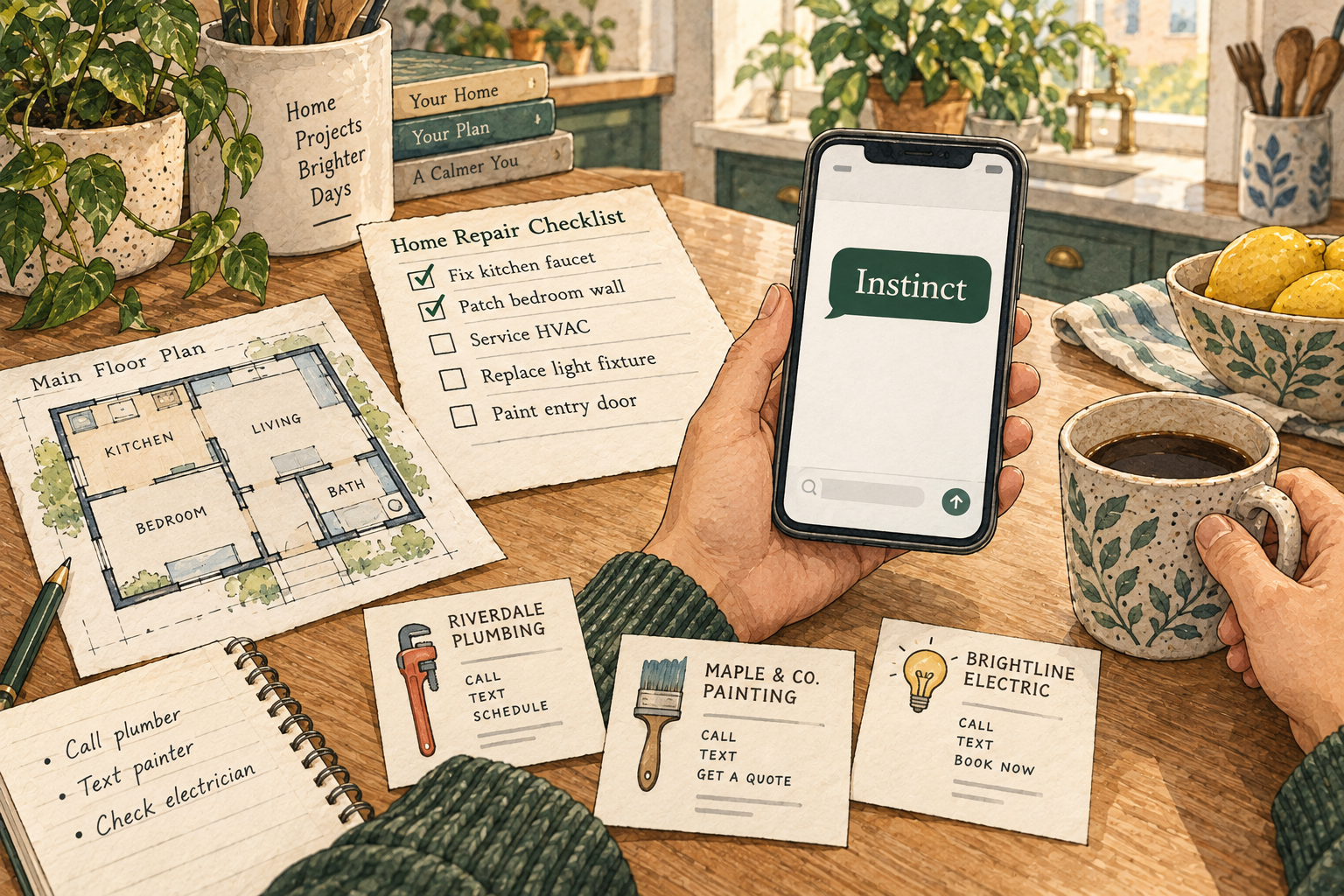
Image description
- Describe the task and the result you need.
- Start with public information and confirm the access required.
- Review the proposed next step before any commitment.
A practical guide to Instinct
Instinct aims to make everyday follow-through feel like talking to a personal assistant. The useful question is what you want it to coordinate, which sources the job requires and where it must stop for you. Its public material establishes a text-and-call approach and connected-service data handling; several practical operating details still need confirmation.
Last checked 2026-10-01. Links to the original documentation appear throughout this guide.
What kind of help is Instinct aiming to provide?
Instinct describes a personal assistant you can text or call, with examples involving follow-ups and everyday arrangements. Its stated connections include email, messaging, screen, audio and location. These are vendor-described capabilities, not a complete verified integration catalog.
Think about a home-repair project. You need to compare providers, keep questions together and decide whether to book. A helpful assistant would make the choices easier to inspect rather than simply promise to handle everything. Begin with the public information and ask for questions that prevent a booking. This is our suggested scenario, not an observed Instinct task.
How it differs from an ordinary chat reply
Instinct’s terms describe an assistant that can process supplied material and take actions through connected services. That makes the permission decision part of the product: the conversation can lead to work in other accounts. The terms are not proof that a particular task succeeded.
An ordinary answer might give you a list of repair companies. An action-capable assistant may be able to interact with a service on your behalf. Keep those stages separate in your instructions: first research, then a proposed inquiry, then a decision about any real contact. An accurate list does not grant permission to create a commitment.
Choose the context deliberately
The privacy policy says the information accessible to the assistant depends on permissions and how you use connected accounts. Personal context can be useful, but a familiar text conversation should not hide the size of the connection you are granting.
For the home-repair example, public provider pages may be enough for an initial comparison. You do not need to share private household messages to learn whether the assistant can preserve service areas and unanswered questions. Add information only when the next authorized step requires it. Ask what the connection can read and change before using it.
Establish the stop point before booking
What we could not confirm: We could not establish a universal approval control, a complete action log or a documented pause-and-recovery procedure from the reviewed public pages. These details should be confirmed in the actual service before permitting bookings or purchases.
A clear initial instruction is: compare these providers and draft questions; do not contact anyone or book. This is a proposed boundary, not a claim that the product enforces it through a particular setting. If you cannot confirm the control for a real commitment, keep the assignment informational. Review the recipient, date, quoted amount and cancellation terms together before approving a later action.
Disconnecting and deleting are different steps
The terms distinguish stopping a connected service from requesting deletion of indexed input. They also describe model-training choices, with a separate treatment for Vault material and limits to opting out. Use the official workspace and settings instructions for those decisions.
Create an exit checklist before you connect an important source: stop future work, revoke future access, request deletion of retained source material where available, and remove separately stored outputs if necessary. Do not assume deleting a conversation reverses an outside action or removes copies held in another service. Ask support what each control covers if the app does not make that clear.
What to confirm before paying or connecting
What we could not confirm: A reliable public monthly price, usage allowance and supported-region matrix were not established in the sources we checked. The existence of paid-service terms does not justify listing a guessed subscription price.
Before a paid trial, ask what is included, how long work can run, what happens when an allowance is used, and how cancellation works. Confirm your device and location are supported. This helps you compare the actual offer with a managed cloud agent or a task-based tool you already pay for.
What a useful first result looks like
For three provider pages, ask for a table of services, published areas, hours and missing information. Include a source link beside each row and an unsent inquiry draft. An absent price should be a question, not a made-up estimate. A published service area is not a confirmed appointment at your address.
Then change a requirement, such as weekend availability, and request a revision of the same table. Check the original pages yourself. Keep track of facts corrected, missing qualifiers and how easily you found the evidence. These proposed checks tell you more about the work than a polished message saying it is complete.
Answers to all 12 questions
Each answer explains what the official sources say and what that means in practice. “Evidence gap” means a detail we could not confirm; it does not automatically mean a feature is missing.
- Can I use it on my device and plan?
- What can it help me do?
- When does it ask my permission?
- How do I stop it or recover from a mistake?
- What does it remember?
- Can I change or delete its memory?
- Which apps can I connect?
- Where does my information go?
- Where does the agent run?
- What privacy controls do I have?
- What will it cost?
- How do I get started and find help?
1. Can I use it on my device and plan?
What we could not confirm: The site offers a text-based start. The terms cover related applications, but we have not confirmed a full supported-device or regional access matrix.
2. What can it help me do?
Everyday coordination, follow-ups and work through connected services.. Its public examples focus on personal arrangements; a specific booking or integration should be confirmed before relying on it.
3. When does it ask my permission?
Keep the inquiry at the draft stage

Image description
- Ask for an unsent inquiry.
- Confirm the product’s actual approval and stop controls.
- Check recipient, date and scope before a consequential action.
What we could not confirm: The reviewed sources do not establish a universal per-action approval setting. Confirm the actual action controls before permitting commitments.
4. How do I stop it or recover from a mistake?
What we could not confirm: We have not verified an operational pause, recovery or undo procedure. Keep the first task informational and confirm the stop process in the app.
5. What does it remember?
Disconnect access and request data deletion separately

Image description
- Disconnecting a service is different from requesting deletion of indexed input.
- Use the official workspace deletion instructions for retained connected-service data.
- Confirm which retained material the request covers.
What we could not confirm: The service describes personal context and indexed connected-service inputs, but the precise memory architecture is not established.
6. Can I change or delete its memory?
What we could not confirm: Terms describe requesting deletion of indexed connected-service data. This is not evidence of an editable memory browser or complete erasure of all retained data.
7. Which apps can I connect?
Connected applications and devices; email, messaging, screen, audio and location are described.. The complete live connector list and permission scopes are not established from the public pages.
8. Where does my information go?
What we could not confirm: Device connections are not evidence of local-only storage or processing. Examine the privacy policy and each permission.
9. Where does the agent run?
What we could not confirm: Instinct is offered as a service. The reviewed pages do not establish a self-hosted deployment option or complete runtime architecture.
10. What privacy controls do I have?
yes. The terms describe a training opt-out and separate Vault treatment, with exceptions and forward-looking limits. Read those details before sharing private content.
11. What will it cost?
What we could not confirm: No verified public monthly price or included allowance was found in the reviewed sources. Paid-service terms are not a price list.
12. How do I get started and find help?
Text-based onboarding through the official website.. Use the official entry point and confirm supported access, price and controls before connecting accounts.
Things to check
- Current price and work allowance.
- Supported devices, regions and live connector scopes.
- Per-action approval, pause, activity review and recovery controls.
- Exact memory architecture, retention and deletion coverage.
Try it yourself
These are suggested tasks to try, not tests we’ve run. Compare each result with the original information before relying on it.
- Use three public provider pages and fictional requirements. Request a source-linked table and unsent inquiry.
- Change one requirement and check the revised artifact against each original source.
- Confirm the real stop, access and deletion controls before connecting private accounts or allowing commitments.
Sources reviewed
- Instinct personal assistant · checked 2026-10-01
- Instinct privacy policy · checked 2026-10-01
- Instinct terms of service · checked 2026-10-01
Research describes documentation available on the check date. Features, prices and access can change. No test result or personal endorsement is implied.