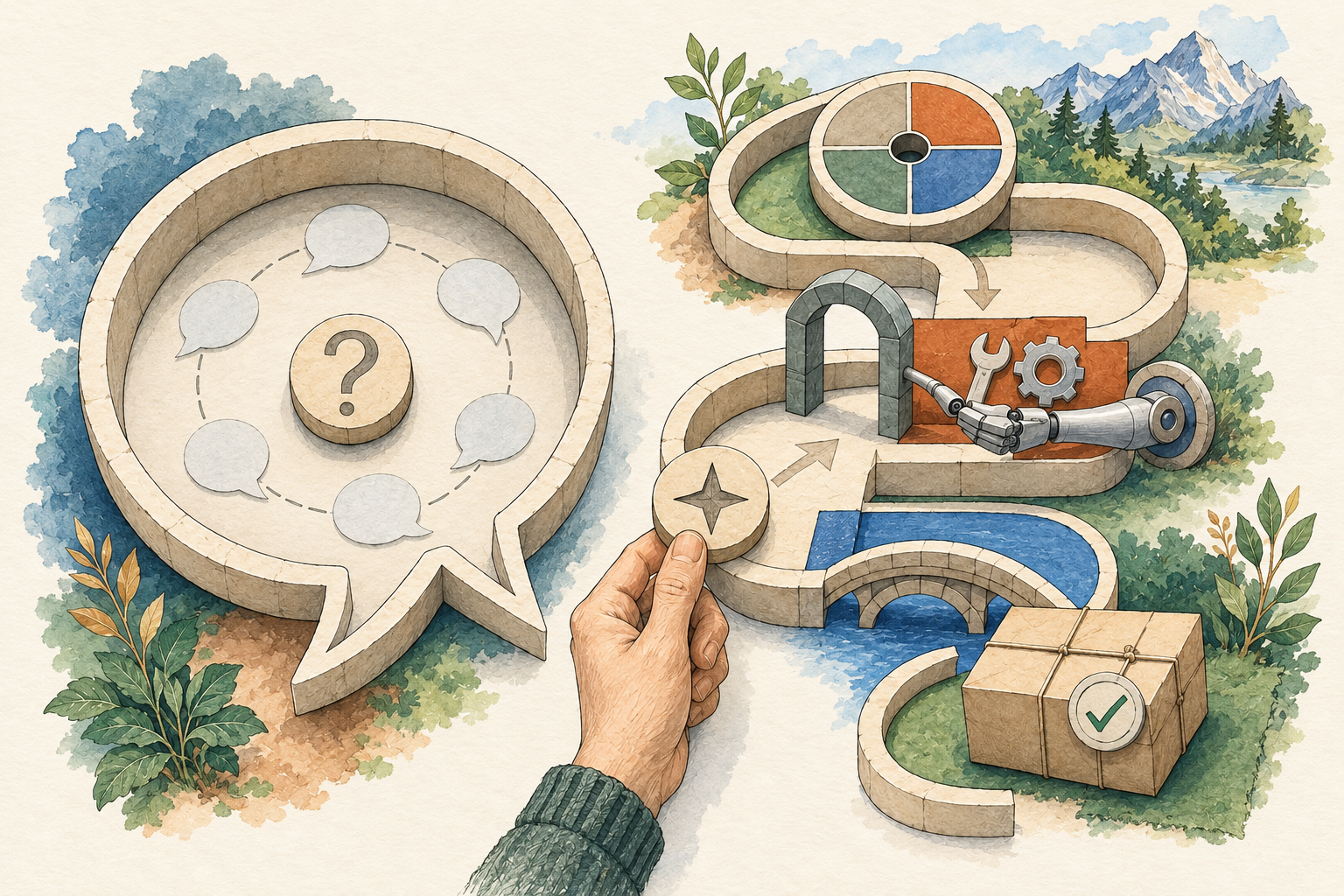
Chatbots and agents overlap: both can support conversation and action, depending on the product. Many conversational products use tools, work with files and retain selected context. Some agent systems still require frequent human input. Compare the workflow you need rather than assuming the label describes every capability.
A conversation is a good fit when you want an explanation, a critique or help working through a choice. A multi-step agent workflow becomes useful when the system needs to gather inputs, produce an artifact or return to a task. The same application can support both kinds of work.
The memory claim is a common source of confusion
It would be inaccurate to say that chatbots never remember. OpenAI documents memory features in ChatGPT, and Anthropic documents chat search and memory in Claude; availability and behavior depend on the product and settings. See Memory in ChatGPT and Claude chat search and memory.
That does not mean every conversation remembers everything or that an agent’s memory is automatically better. Ask what is retained, where it is used, whether you can correct it and how it relates to project files. Your task may only need a short saved brief.
Compare six practical questions
| Question | What to verify |
|---|---|
| Where do inputs come from? | Supplied text, files, browsing or connected accounts |
| What result is produced? | An answer, editable draft, file or action |
| Can it use tools? | The actual tools in this plan and environment |
| What carries into the next session? | Conversation history, project context or a documented memory feature |
| What starts later work? | Your next message, a schedule or an integration |
| What requires your decision? | The real approval controls and permissions |
These are checks for a product, not universal properties of either category. A managed agent may not include the account connector you need. A conversational application may already perform your small file task. Verify the specific version and plan.
Example: planning a newsletter
If you want help choosing an angle, a conversation may be enough. Supply the brief, discuss objections and write a draft together. The value lies in thinking and editing, and you can keep the source material in view.
If you want the system to retrieve three public announcements, compare what changed and prepare a sourced draft file, tool use becomes part of the workflow. You need to inspect what it retrieved and whether the draft matches the evidence.
If you want that job repeated every Friday, scheduling adds another mechanism. If you want the draft sent to subscribers, publication adds permissions and consequences. Each additional stage needs its own check. None follows automatically from calling the product an agent.
This is an illustrative task progression. It does not claim that a particular product provides a newsletter integration or that we have run one.
Example: changing a spreadsheet
A conversation can suggest a formula or explain a column. A tool-enabled workflow can inspect a supplied workbook and create a proposed revision. Review requires opening the resulting file, checking the affected cells and comparing the source data.
Updating the shared live workbook is a further action. Ask how the product identifies the target file and how you recover an unwanted change. A fluent message saying “done” is not enough; the actual file is the evidence of what happened.
A beginner can test the middle stage using a fictional workbook and a copy. That gives you a useful result without granting access to operational records.
Why more autonomy is not always better
Autonomy describes how much the system proceeds without another instruction. It does not tell you whether its choices are correct. An agent that keeps working after misunderstanding a brief can amplify the original mistake. A tool that asks one clear question may save you time.
Decide where independent progress helps. Collecting public sources while you review another draft may be useful. Sending a consequential message before you have checked it may not be. The right amount depends on the task, the available controls and the cost of correcting an error.
Do not judge a product only by how rarely it asks a question. Judge whether the questions occur at meaningful decisions and whether the proposed result is easy to review.
Where setup and maintenance enter the comparison
Some systems are managed services; others require installation, hosting or configuration. For an installable agent, maintaining updates and credentials becomes part of the work. For a managed product, account controls, plan limits and connected services become part of the decision.
Neither approach proves privacy or reliability on its own. Follow the actual path of the data and tools. A locally running interface can still send requests to a remote model or service. Read the privacy guide for a concrete data-flow exercise.
Choose by the next useful result
Write the job in one sentence. If it is “help me understand this paragraph,” begin with a conversation. If it is “prepare a sourced comparison from these pages,” look for the necessary retrieval and artifact tools. If it is “repeat this check and notify me,” verify scheduling and notification behavior.
Then choose a small exercise and inspect the result. You can compare tools using the same input and acceptance criteria. Keep untested features and unavailable integrations out of the score.
For product-specific details, read the agent profiles. For a shared evaluation sheet, use the selection framework. You may discover that the best first tool is the one you already have, provided it can do the job within a boundary you understand.