Privacy depends on the actual data path. “Runs locally” does not necessarily mean no request leaves your device. “Cloud hosted” does not describe every retention setting or connected service. Start by identifying what information the task uses and which systems receive it.
For a first exercise, use public sources or fictional records. You can learn about retrieval and drafting without exposing private email, client documents or credentials. Adding sensitive data later is a separate decision with more questions to answer.
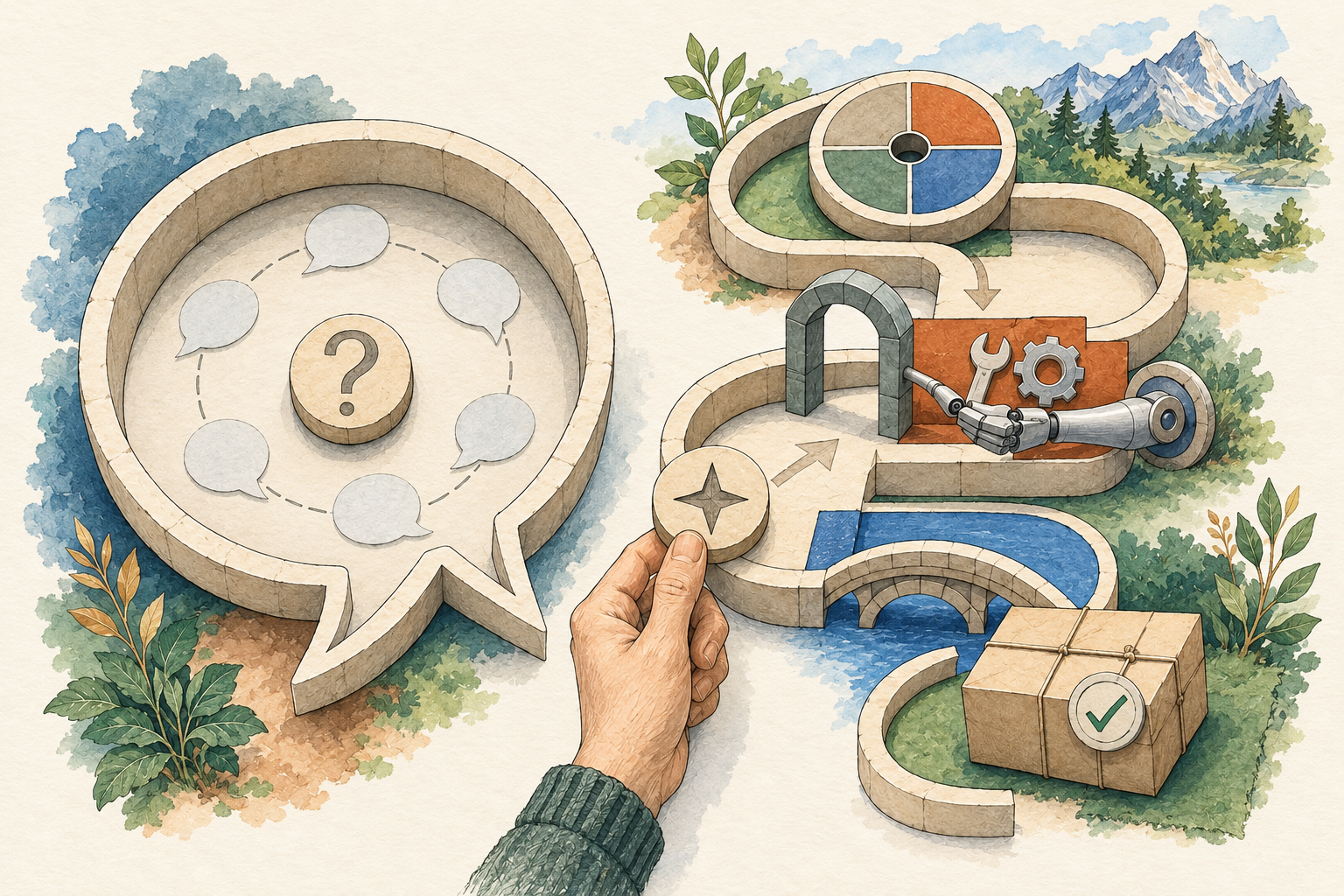
Draw the path for one task
Write down the input, the application, the model provider, each tool or connected service and the returned output. Add storage locations you know about: chat history, project files, logs or exported drafts. Mark unknown locations as questions rather than assuming they do not exist.
For a public-source brief, the input might be three URLs. A retrieval tool accesses those pages, the model processes selected material, and the application creates a draft. If you download it to a shared folder, that folder becomes another place the result exists. This is an illustrative path, not a description of every product.
For a private document, ask which parts are sent to a model, which tools can access the file and where the output is saved. A local interface can still call a remote model API. The product’s architecture and configured provider determine the path.
Do not combine different controls into one promise
Training controls, history, memory, retention and deletion answer different questions. A training setting concerns use for model improvement. History concerns stored conversations. Memory may carry selected information into future sessions. Deletion and retention concern what remains and for how long.
OpenAI’s ChatGPT Data Controls documentation distinguishes its model-improvement setting from conversation history behavior. Consult the current instructions for the account and product you use. Changing one control should not be described as deleting every copy of a file or disabling every other form of storage.
For another product, find its corresponding documentation. Do not transfer a setting name or guarantee between services. If the documentation does not explain a control relevant to your task, ask the provider or use a task that does not require the sensitive input.
Access is about reading and acting
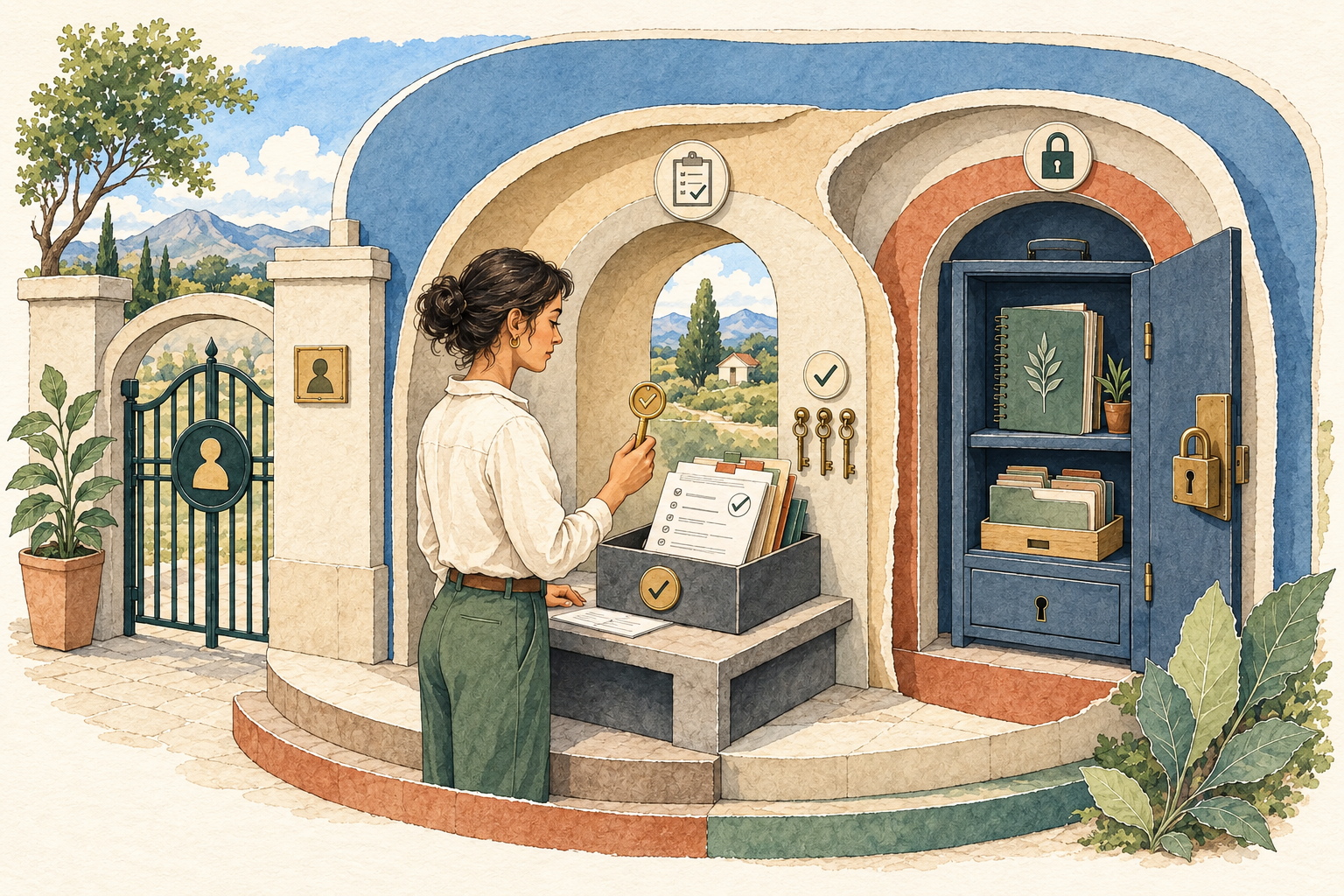
List what each connection can read and what it can change. Reading an inbox, sending a message and deleting a message have different consequences. A draft task should not automatically gain all three capabilities.
Use the narrowest supported access that serves the task. Where a product does not offer a suitable restriction, recognize the gap rather than pretending an instruction in a prompt enforces it. “Do not send” is an important task boundary, but it is not the same as withholding send permission.
Avoid placing credentials in ordinary task text. Use the product’s documented credential mechanism and understand which tools receive access. This guide does not establish a secure configuration for any particular installation.
Public content can still create a tool-use problem
A fetched page may contain irrelevant or malicious instructions. Treat source material as material to analyze, not authorization to change your task. An instruction found on a website cannot grant permission to send a private file or contact a person.
For a bounded brief, tell the agent to use the source for facts and report suspicious instructions. More consequential workflows also need appropriate tool controls and review. A prompt alone is not a guarantee against every tool-use failure.
Check what the system actually did, not only its final summary. Where logs or action records are available, review relevant operations. If you cannot inspect an action that matters, choose a simpler workflow.
Review outputs and secondary copies
A draft can reveal sensitive information even if the input was handled appropriately. Check attachments, quoted passages and metadata before sharing. Confirm the recipient and destination separately from approving the wording.
Consider downloaded files, notifications and shared folders. Removing a conversation from one service does not automatically remove a file you exported elsewhere. Keep a list of the places you deliberately saved an artifact so a later cleanup is possible.
Ask the provider for documented retention and deletion behavior where it matters. Do not infer it from a reassuring sentence the agent generated about itself. The agent’s answer is not an account policy.
Local and hosted approaches have different work
A managed service may provide account controls and a maintained environment. You still need to evaluate its terms, settings and integrations. An installable system may provide more configuration choices; you then need to maintain the host, updates, credentials and access boundaries.
Neither label establishes compliance for regulated work. Healthcare, financial, employer and client obligations depend on your actual scope. Use approved systems and the responsible review process before supplying sensitive records. The role guides offer synthetic first exercises that avoid those inputs.
A short decision sheet
Before a trial, answer: what will be supplied; which services will receive it; where the result will be saved; what actions are available; who checks the output; and how the task or schedule stops. Put unresolved questions beside the relevant step.
If an important answer is missing, reduce the task. Public-source drafting can still be useful while a private-data integration is being evaluated. After the trial, compare the actual behavior with the sheet and record corrections.
Privacy-aware use is an ongoing decision about inputs, tools and outputs. Begin with a workflow whose data path you can explain, then add access only when it solves a specific need and the relevant controls are understood.