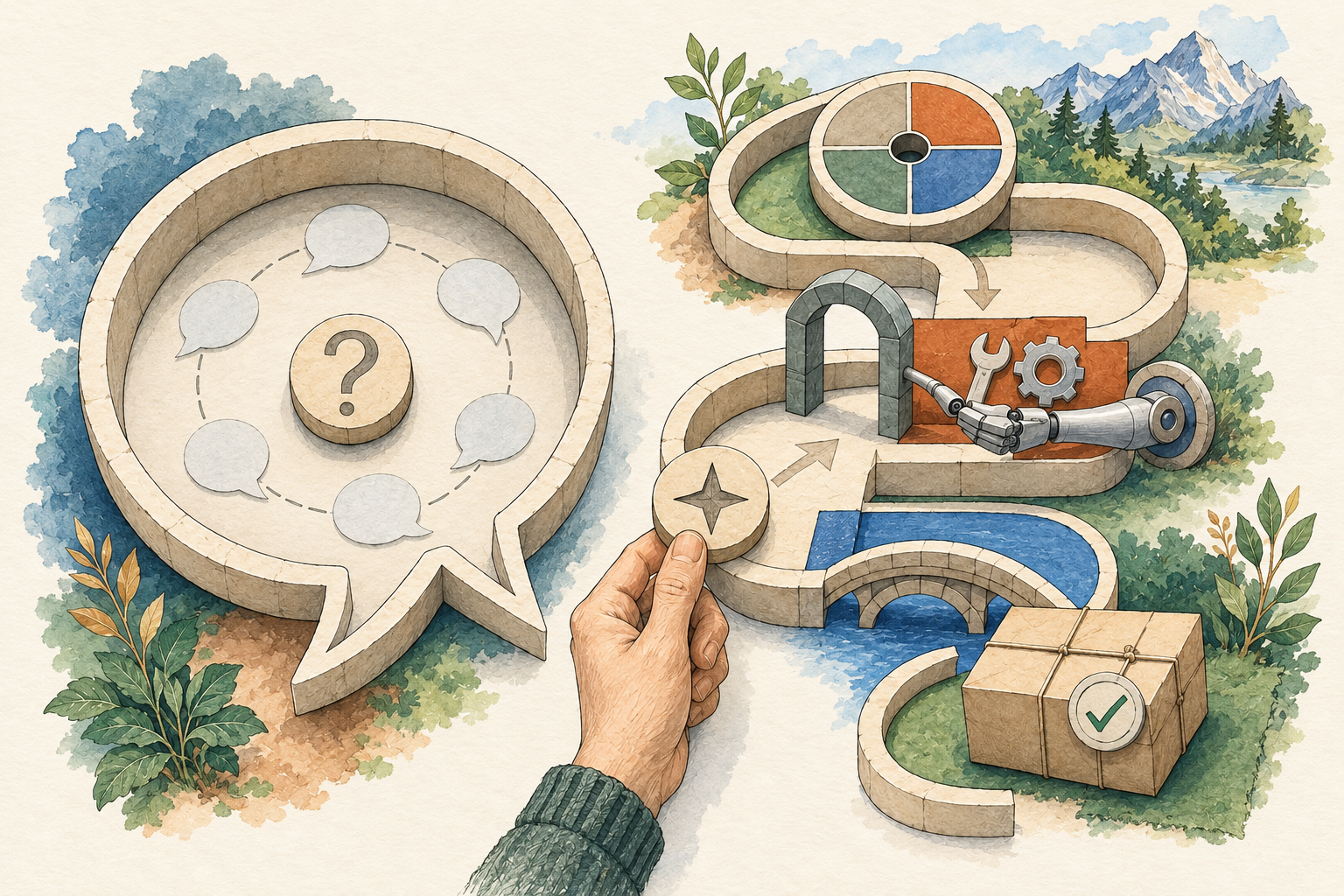
A personal AI agent can help carry a task through several steps. Instead of only producing an answer, the system may read material, prepare a file, use a connected tool and return when it needs your decision. The details vary by product and setup. Check the product for background work, project context and account access; the label does not specify those features.
The easiest way to understand one is to follow a modest task. Suppose you want to compare three public software options for a small project. You have three official pages and four criteria. You want a table, the source for each factual entry and a list of unanswered questions. You do not want the agent to sign up, contact vendors or buy anything.
What happens between the request and the result?
First, the system needs the pages. Some products can retrieve them with a browsing tool. Others require you to supply the text or files. An inability to open a page should appear as a gap, not as a confident summary of a page the system did not read.
Next, it must extract the relevant details. Ask it to preserve conditions such as a plan restriction or a publication date. “Supports this feature on a particular plan” and “supports this feature” can lead to different decisions. A useful table includes those conditions rather than smoothing them away.
Then it organizes the information against your criteria. Missing information should stay missing. A link in a sources list is insufficient if you cannot tell which entry it supports. Require source locations beside the meaningful claims.
Finally, it delivers the table and questions. You check the important entries against the original pages, correct errors and decide what to do next. That review is part of the workflow, not a ceremony after an automatic recommendation.
These are suggested steps, not a test of any listed product. They define an output you can use to evaluate a tool yourself.
The model is one part of the system
The model handles language and reasoning. The application supplies tools, an interface and other behavior around it. A browser tool can retrieve material; a file tool can create an artifact; a scheduler can initiate a later task. The application decides what tools are available and how permission is requested.
This matters when you compare products. A strong model cannot read a private document that the application has not made available. A local interface does not mean the model request stays on your device. A scheduler does not mean every scheduled action is appropriate. Identify the components that actually handle your task.
For product details, start with the directory. Each profile separates documented mechanisms from suggested first exercises and records what has not been independently tested.
Context, memory and recurring work
A conversation may include earlier messages. A project may contain saved files or instructions. A product may have a separate memory feature. These are related, but they are not interchangeable promises of permanent recall.
Ask how the chosen system gets the information it needs at the start of a task. If it loses the project’s criteria, you may need a saved brief. If it retains an outdated preference, you need a way to inspect and correct it. Keeping more information is not always better; the useful context is the context that belongs to this task.
Recurring work adds another question: what starts the task again? A reminder, scheduled job and event-driven integration have different setup requirements. Before relying on one, verify the timing, the notification channel and the stop control using your product’s current documentation.
Michael’s Hermes co-founder example describes a roadmap-based rhythm with three daily check-ins. It is one owner’s reported experience, not evidence that all products supply that behavior automatically.
Permissions determine the consequences
Preparing a draft and sending it are different actions. Reading a file and replacing it are different actions. Finding a purchase option and paying are different actions. Decide which side of those boundaries belongs in your first trial.
Use the least access needed for the task you are evaluating. The comparison exercise can use public pages and a draft artifact. It does not need your inbox, payment method or administrator account. Adding those would change the possible consequences without making the first table easier to evaluate.
Write the restriction into the brief, then check the actual tool settings as well. A request in a chat is not a substitute for an account permission or a system-level control. If the product cannot enforce an important boundary, choose a different task or environment.
How to recognize a useful result
Look for an output that reduces the next piece of work. A sourced table lets you compare options. An editable checklist makes missing steps visible. A file with a change summary lets you inspect a proposal. A long conversation without a usable result may have added effort instead.
Check correctness before praising speed. Did the agent read the intended source? Did it preserve qualifiers? Did it mark gaps? Did it stop before an action you reserved? Note the corrections you needed and the review time. Those observations tell you more than a product’s claim to be autonomous.
Try the same narrow task twice before making it recurring. One successful result may be luck; repeating it can expose whether the brief and review process are understandable. This is a suggested evaluation approach, not a statistical reliability test.
Choose a starting path
If you want a managed workspace, check its plans, connected tools and data controls. If you want an installable system, include setup, maintenance and hosting in the decision. If you mainly need help thinking through a paragraph, a conversation may be sufficient.
Read the comparison framework to define criteria, then use the first-agent guide for a controlled exercise. Aim for one result you can verify. You can add memory, schedules and integrations when they solve a specific problem you have already observed.